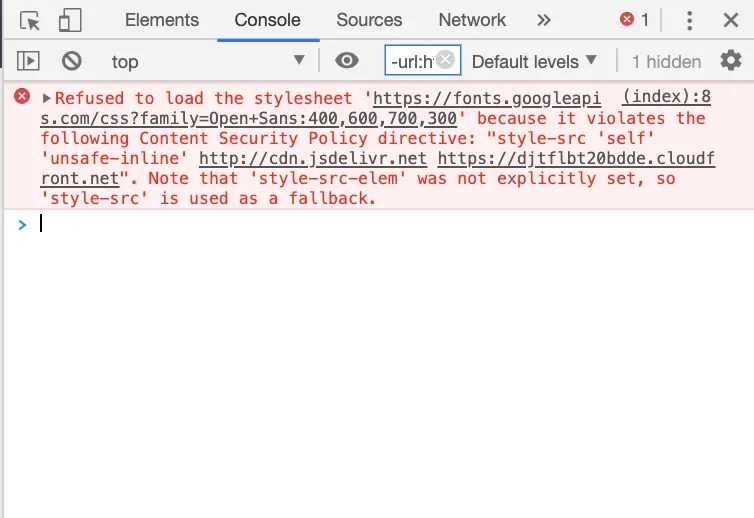
- Open the browser’s developer console (browser console): Chrome on Windows: the F12 key, or the shortcut [Ctrl]+[Shift]+[J] Chrome on Mac: the shortcut [⌘]+[Option]+[J], or right-click and select “Inspect”
- In the “Console” tab you can now view error messages, for example. E.g.: