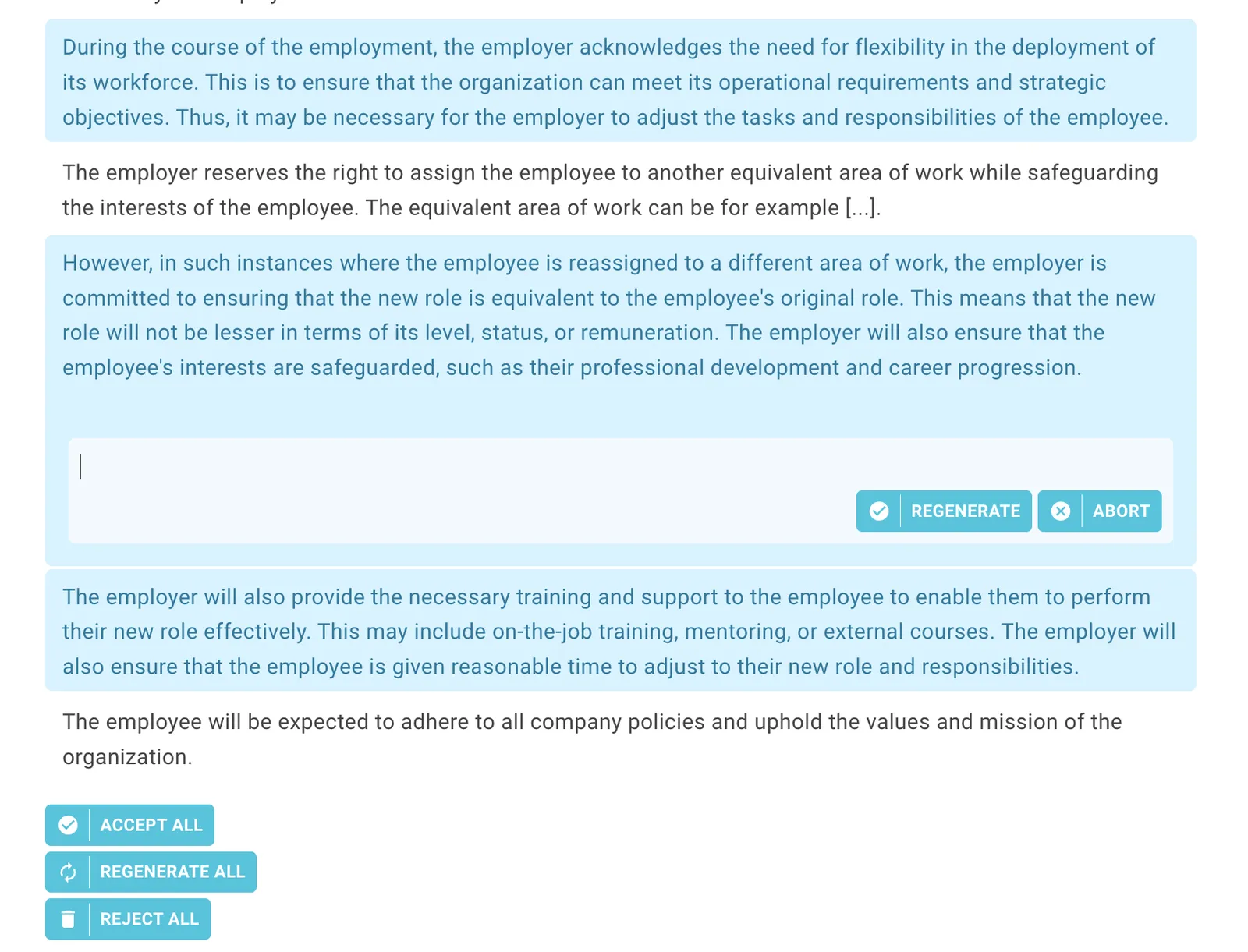
You can use AI in different ways to generate elements for headings and paragraphs in your Lawlift template.
Info
This feature is available with our AI platform. Please get in touch with our support at support@lawlift.com for more information. You can switch between the GPT-4 and Noxtua 2.6 models to use the AI functionalities. You have the option of either using an instance of these models provided by us or connecting your own instances. Feel free to contact us!
Suggest paragraphs
You can generate paragraphs that match the heading of a section:
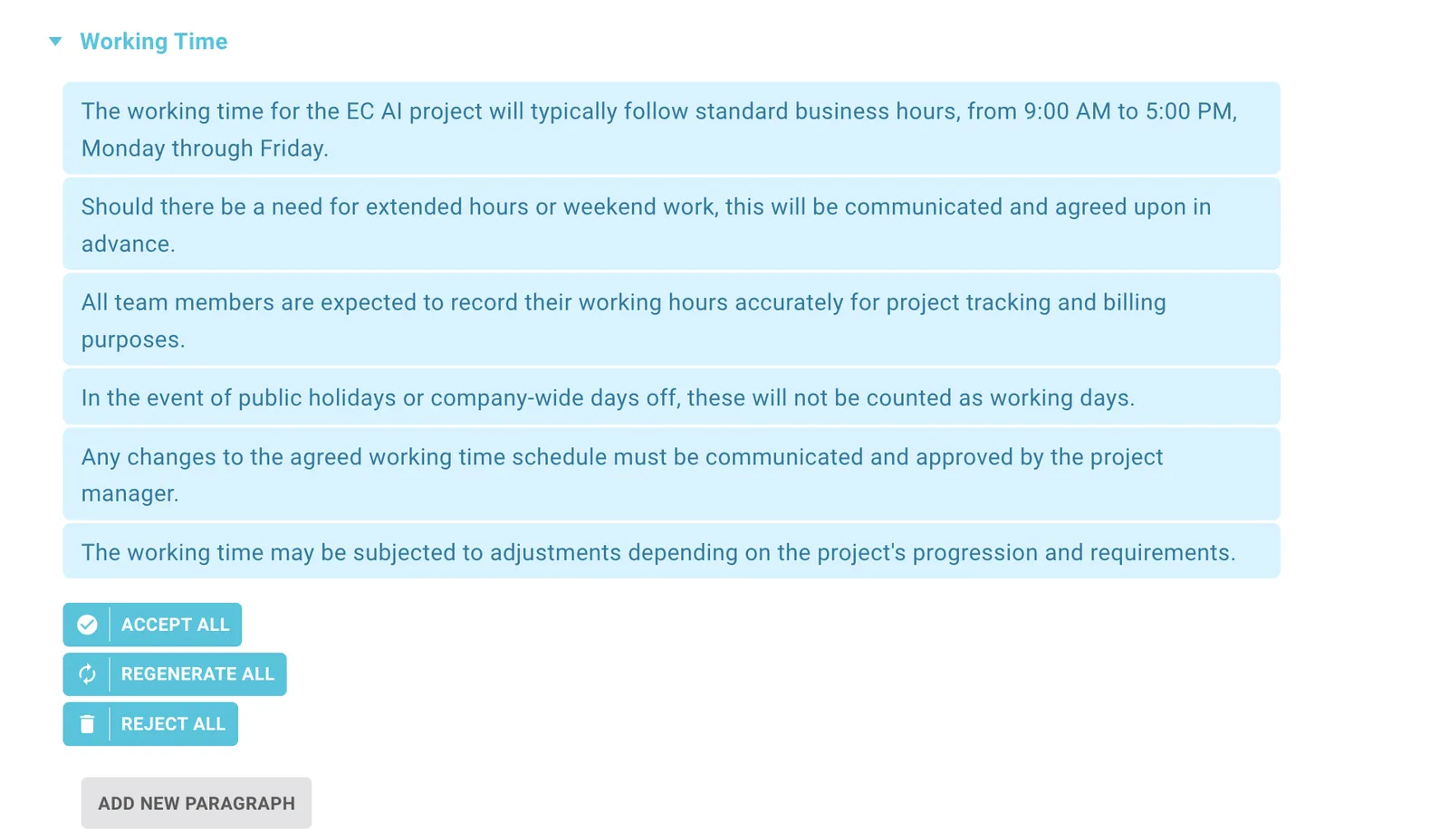
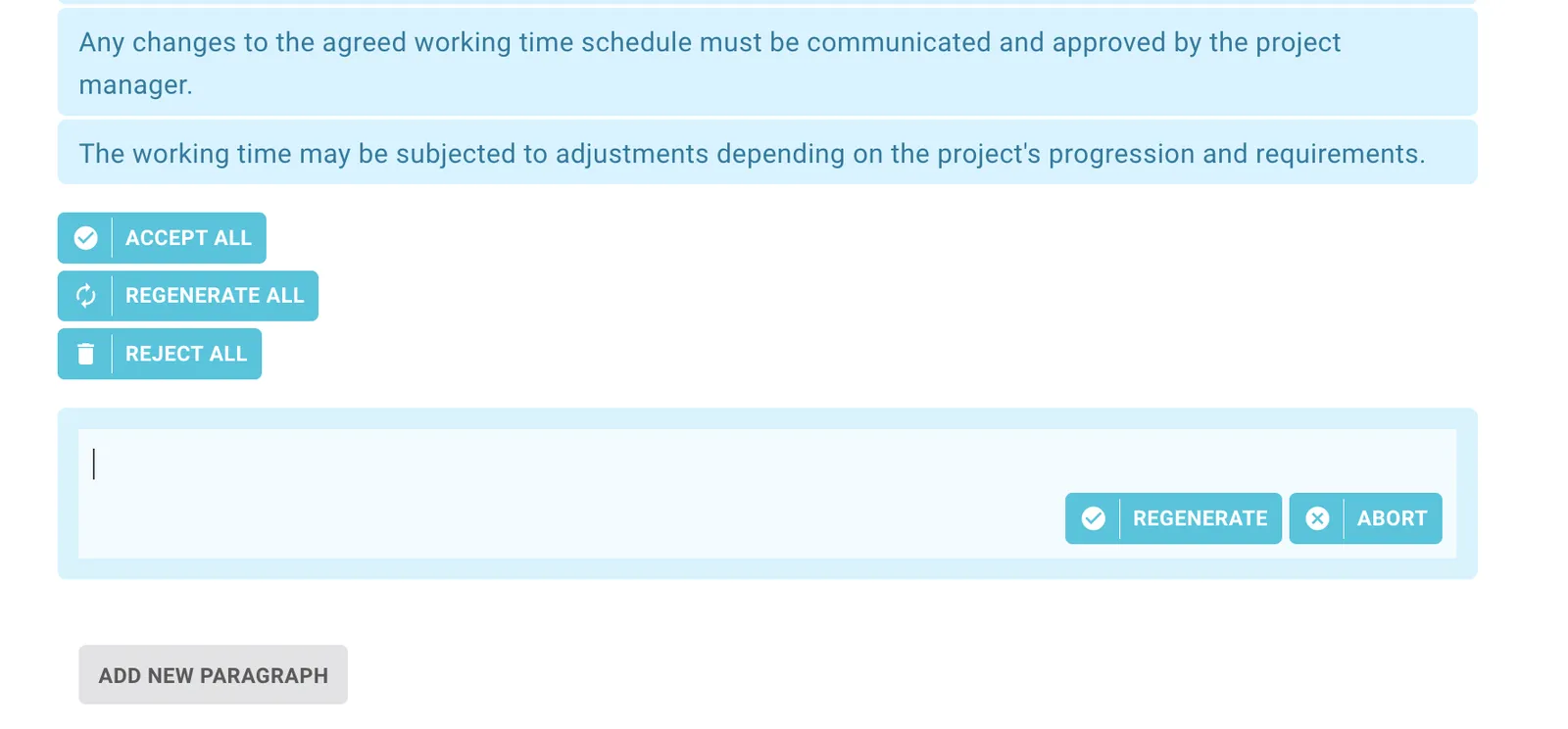
The AI will make suggestions that you can accept, regenerate, or delete. If you accept the content, it will be part of your template. You can always edit it afterward.
Suggest related questions
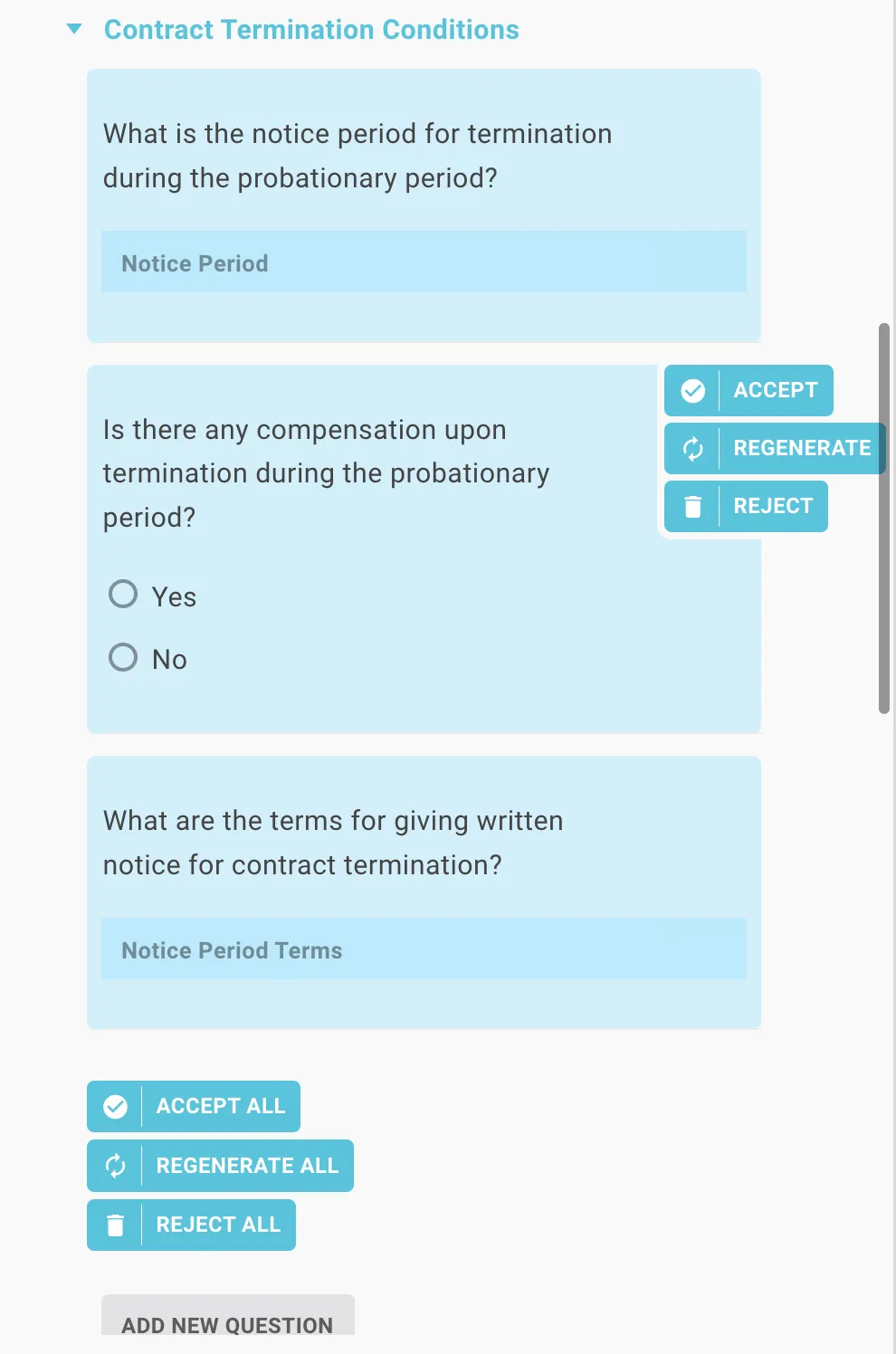
The second option is to create questions for your headings. The AI creates new sections and inserts questions that match the respective heading. These questions can then also be accepted, regenerated, or deleted. As always you can edit them anytime after accepting.

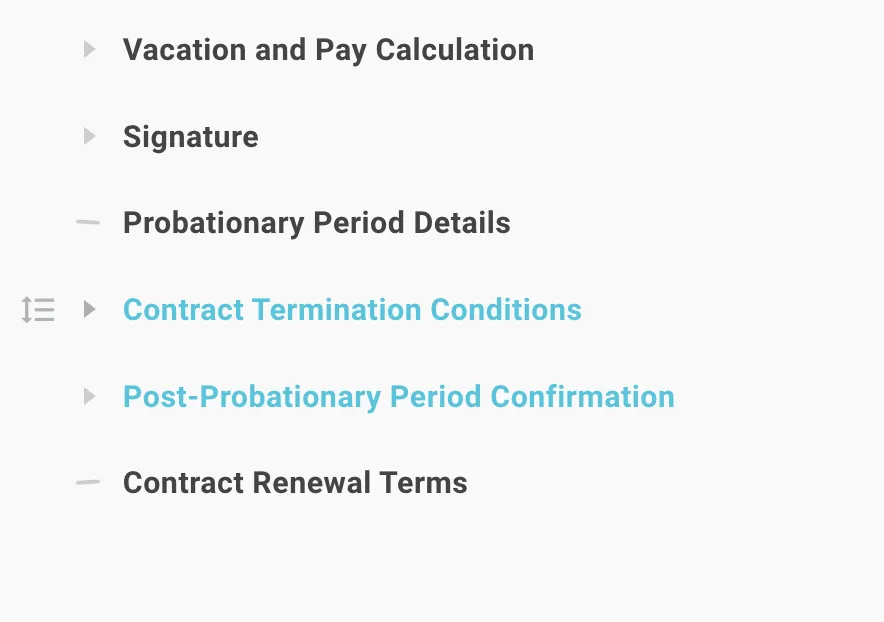
While the AI is working, Lawlift shows the progress. As soon as the suggestions appear blue, you can view and edit the questions.
Lawlift AI also enables you to “simplify paragraphs” and “add more context”.
See how the steps work in detail here:
Simplify paragraphs
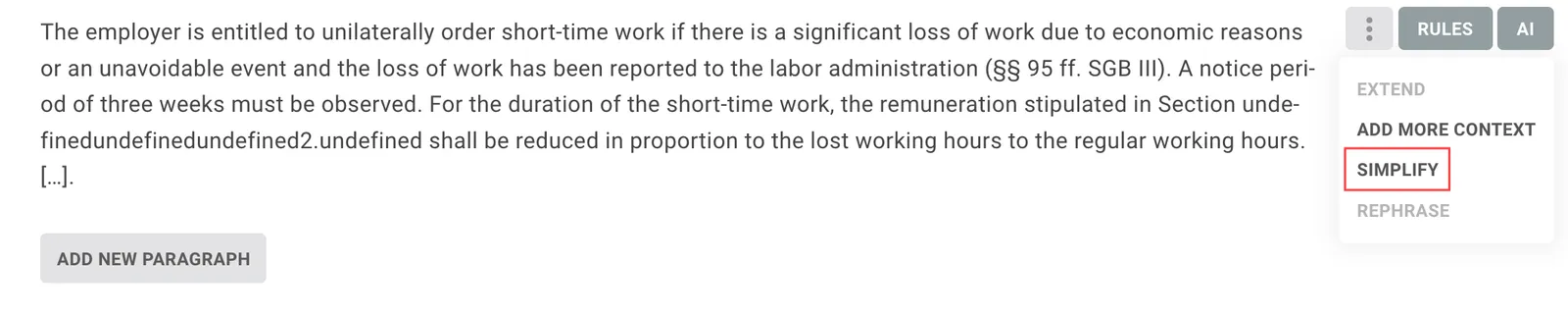
Click on the AI button next to the paragraph and then on “simplify”.
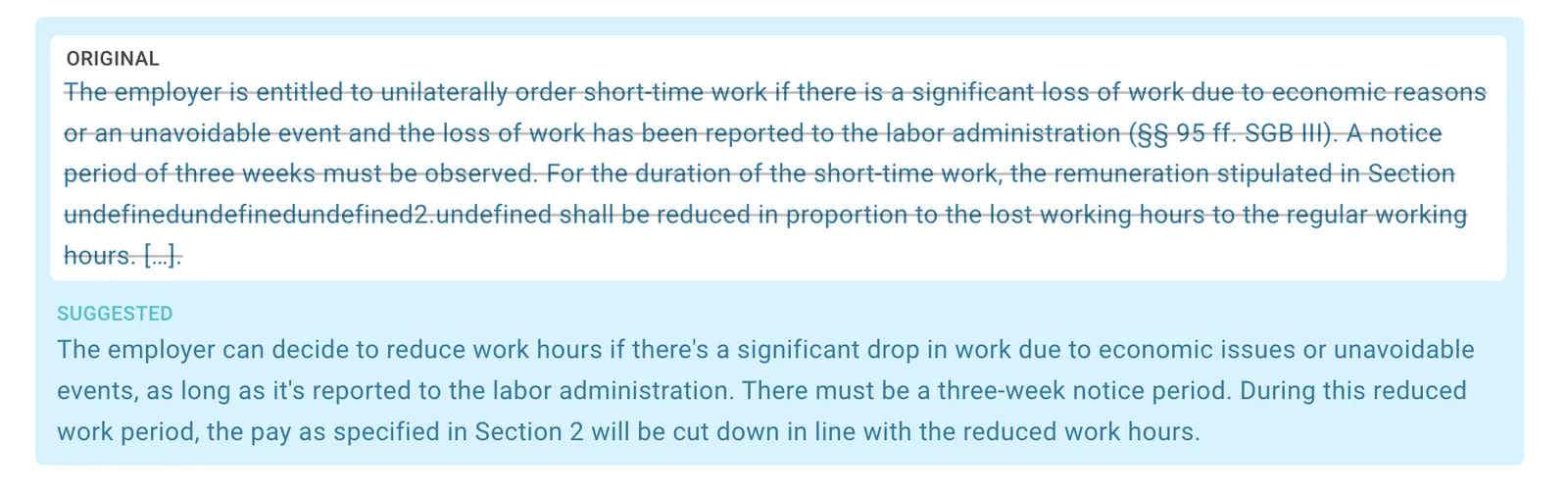
Lawlift will provide a suggestion for the simplified content. You can then compare the generated text with the original and either accept it or, if necessary, have it regenerated with a suggested improvement. If you reject it, the original content will stay in your template.
Add more context
By adding more context to your existing paragraphs, you can use suggestions from the AI to, for example, go deeper into an important topic or get inspiration. Click on “AI” and then “add more context”. This adds further paragraphs before and after the selected paragraph. These are thematically based on the selected paragraph.

As with every other AI-generated element, you can accept, regenerate, or reject it. Once it is part of your template, you can use all editing options to individualize your content further.