Your template is structured by headings and paragraphs. Here’s how to build both and give the document its structure.
Headings
- Click Add new heading at the bottom of the edit view and name it.
- To expand or collapse a heading, click the triangle to its left - grey = collapsed, turquoise = expanded.
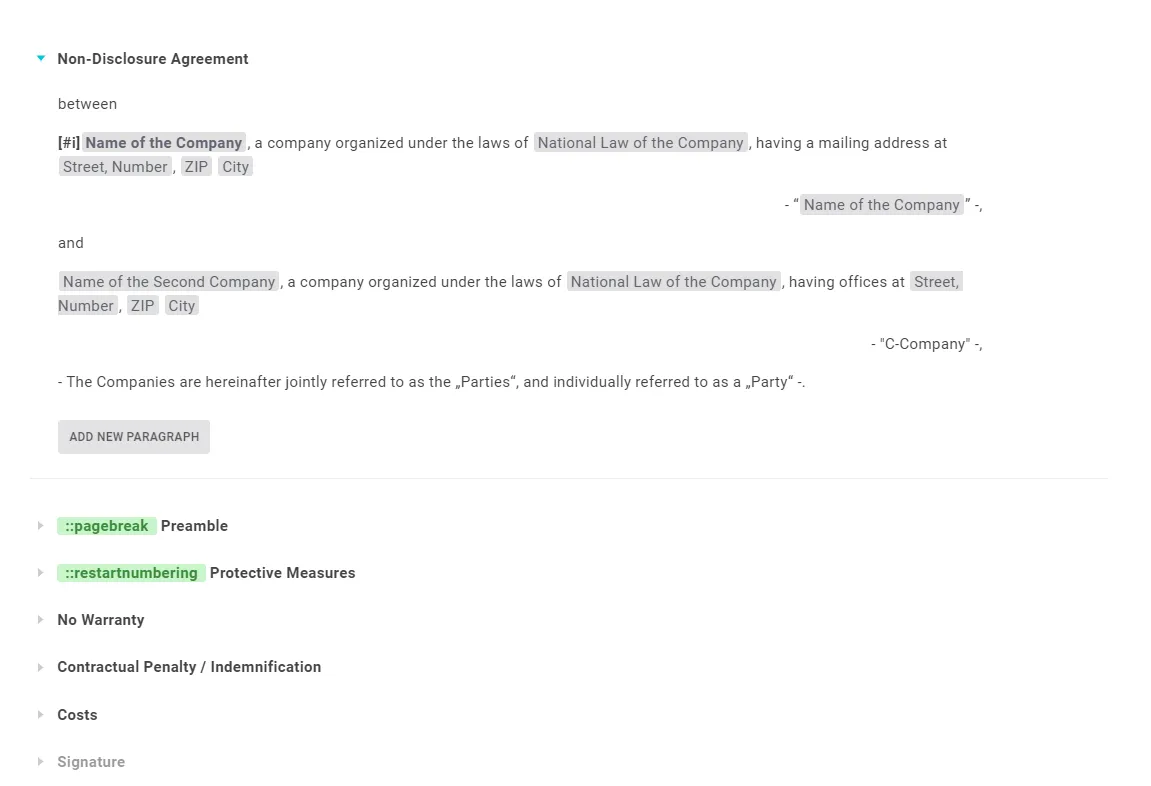
Tip: For contracts, adopt the contract’s own structure. For briefs or letters, still give the text structure with headings that you can later hide.
Note: A heading without a paragraph is not shown during generation or Word export. It only appears if there is at least one paragraph below it.
Paragraphs
- Expand the heading and click Add new paragraph beneath it.
- Type your text or paste it from Word, then press Enter. Pressing Enter in the current paragraph creates a new one.
Tip: Paste all the paragraphs for one heading at once - Lawlift takes the line breaks from your Word document and turns them into separate paragraphs automatically.
For a line break within a paragraph, press Ctrl + Enter.