The questionnaire is divided into sections and questions, and it guides the user through document generation.
Step by step
-
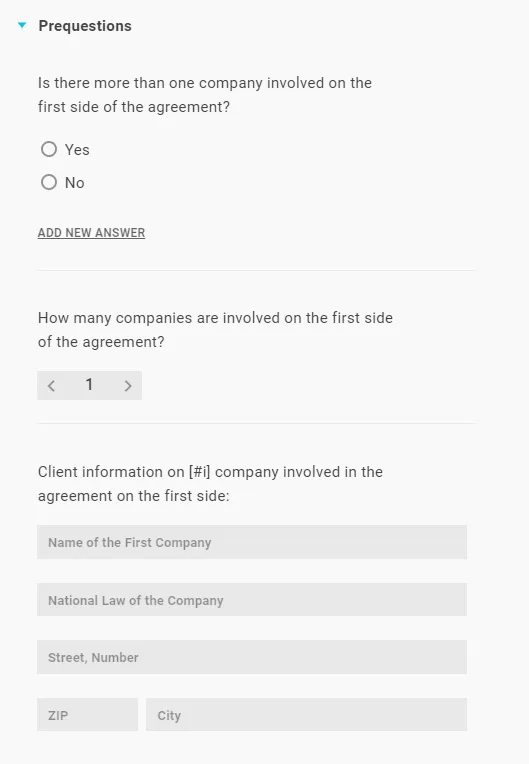
Click Add new section at the bottom, name the section and press Enter.
-
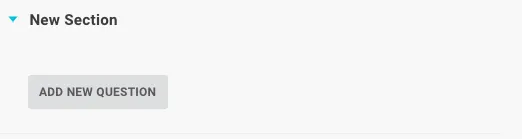
Expand the section (turquoise triangle) and click Add new question.
-
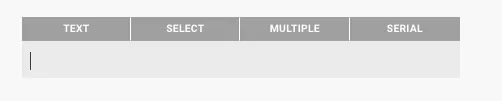
Choose the question type, enter the question and press Enter.
Good to know
- Split into a general and a specific part. In the general part, ask for data that recurs throughout the text (e.g. tenant or company data); structure the specific part according to the headings in the text.