Here’s how to create a new template and open an existing one for editing.
Create a new template
-
In the Dashboard, click Templates and then Create new template.

-
Name the template and press Enter. You’re now in edit mode.
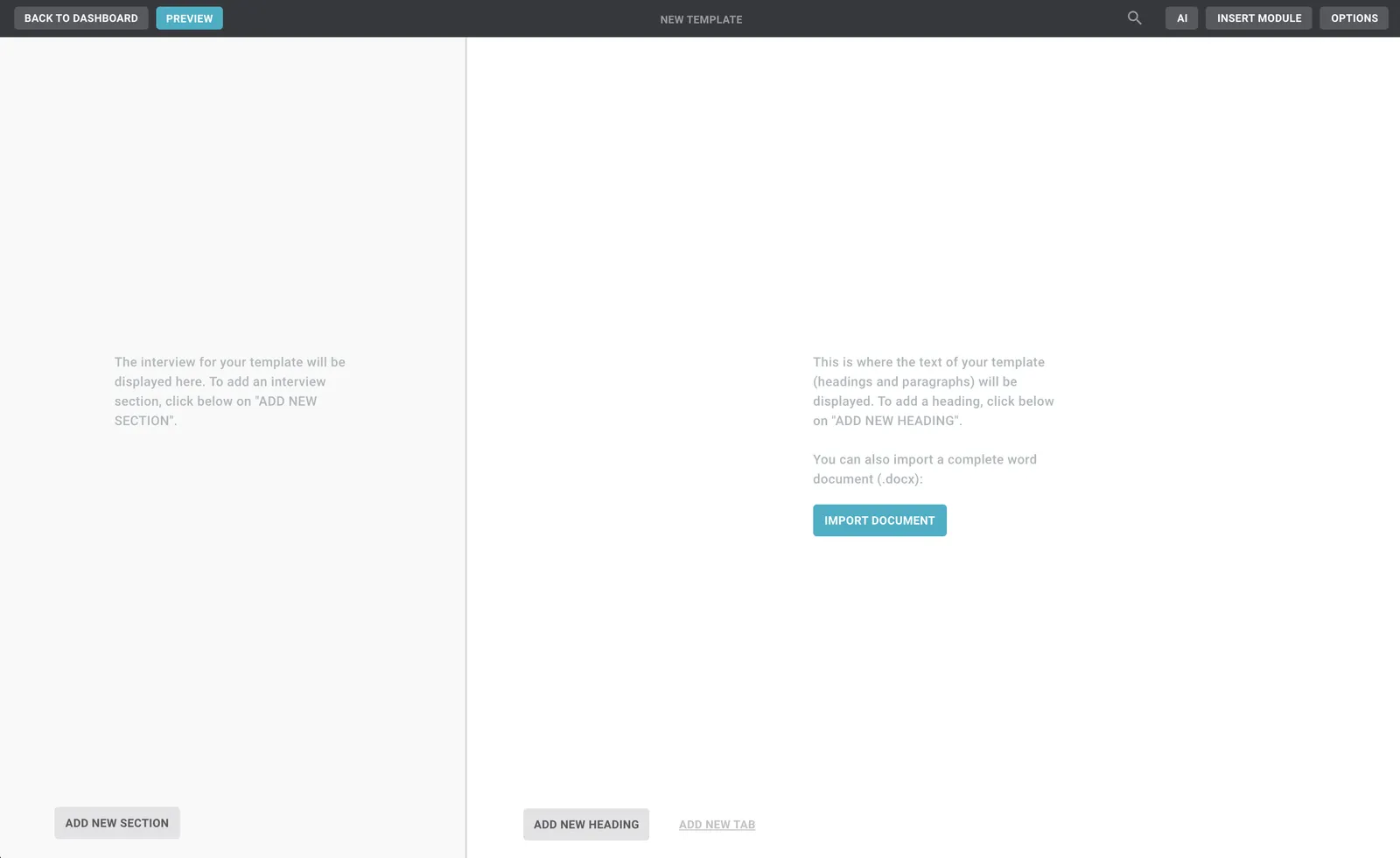
Edit mode has two sides: on the left the interview (made of sections and questions), on the right the text (made of headings and paragraphs). You link the two with rules, placeholders and more.
Edit an existing template
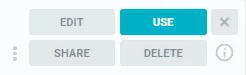
In the Dashboard, hover over the template and click Edit on the right.