With the Auto-Import feature you convert a Word document straight into a Lawlift template and then automate it.
Step by step
-
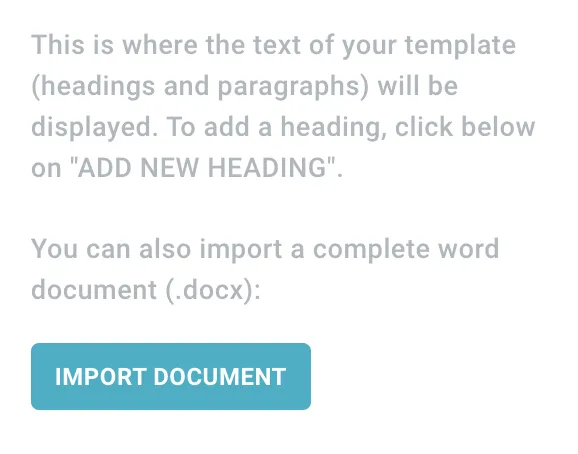
Create a new template and click Import document.
-
Choose the file. Lawlift uploads it and converts it into a template. If a line can’t be classified clearly, Lawlift asks whether it’s a heading or a paragraph.
-
Edit the document as usual and automate it with a questionnaire.
Important: Upload only .docx files (not
.doc). For a smooth import:
- use correct numbering via Word’s styles,
- use heading styles for headings and paragraph styles for paragraphs,
- manual numbering is not carried over,
- Word documents containing images can’t be uploaded.