To do so, open the edit mode and click on the answer that appears as the default answer. Now enter the command
::default
and then click somewhere else. The command is now displayed with a green border.
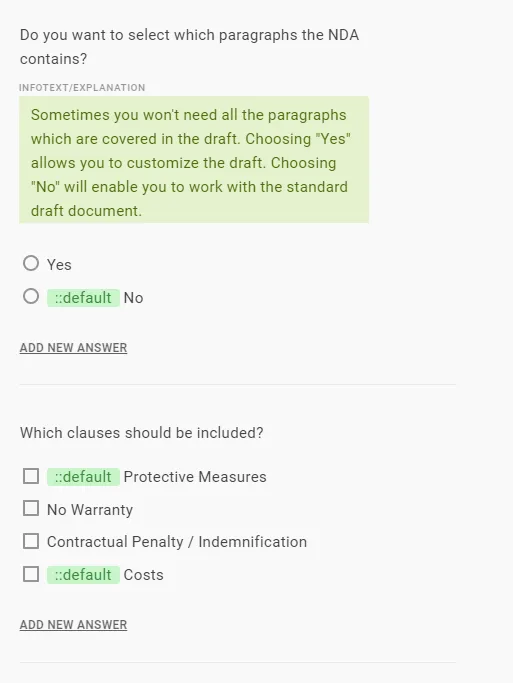
You can easily delete the command by using either the Backspace key or the Remove key.
In the select question, you can only select one answer. If you select another answer under the selection question, the command will automatically delete itself from the previous answer.
For multiple-choice questions, you can use the command to select as many answers as you like.
Rules on default
A rule on the default command takes effect only once. For example: as soon as something changes in the question catalogue that causes the default answer to no longer be displayed, the default answer is no longer executed. If something then changes again so that the rule would display the answer once more, the default command is not reactivated.
Info
If the default question appears and is then manually deselected, it should not be reactivated, regardless of which rule is triggered in the question catalogue. Otherwise, these manual changes would be overwritten again and again.