In order for Lawlift to know which information belongs to which answer, enter the field name of the information your database uses into your intelligent template at Lawlift. The field name is the abstract description of the location where your application stores the corresponding information in the database. Each piece of information has its own field name. Proceed as follows:
1. The API mapping must be activated under “Options”. You will find the option at the end of the menu items:
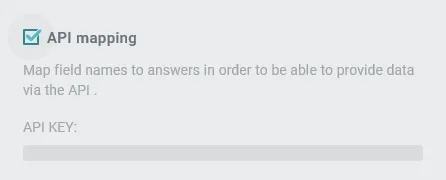
Put a checkmark there, please.
2. The questionnaire has now been extended.
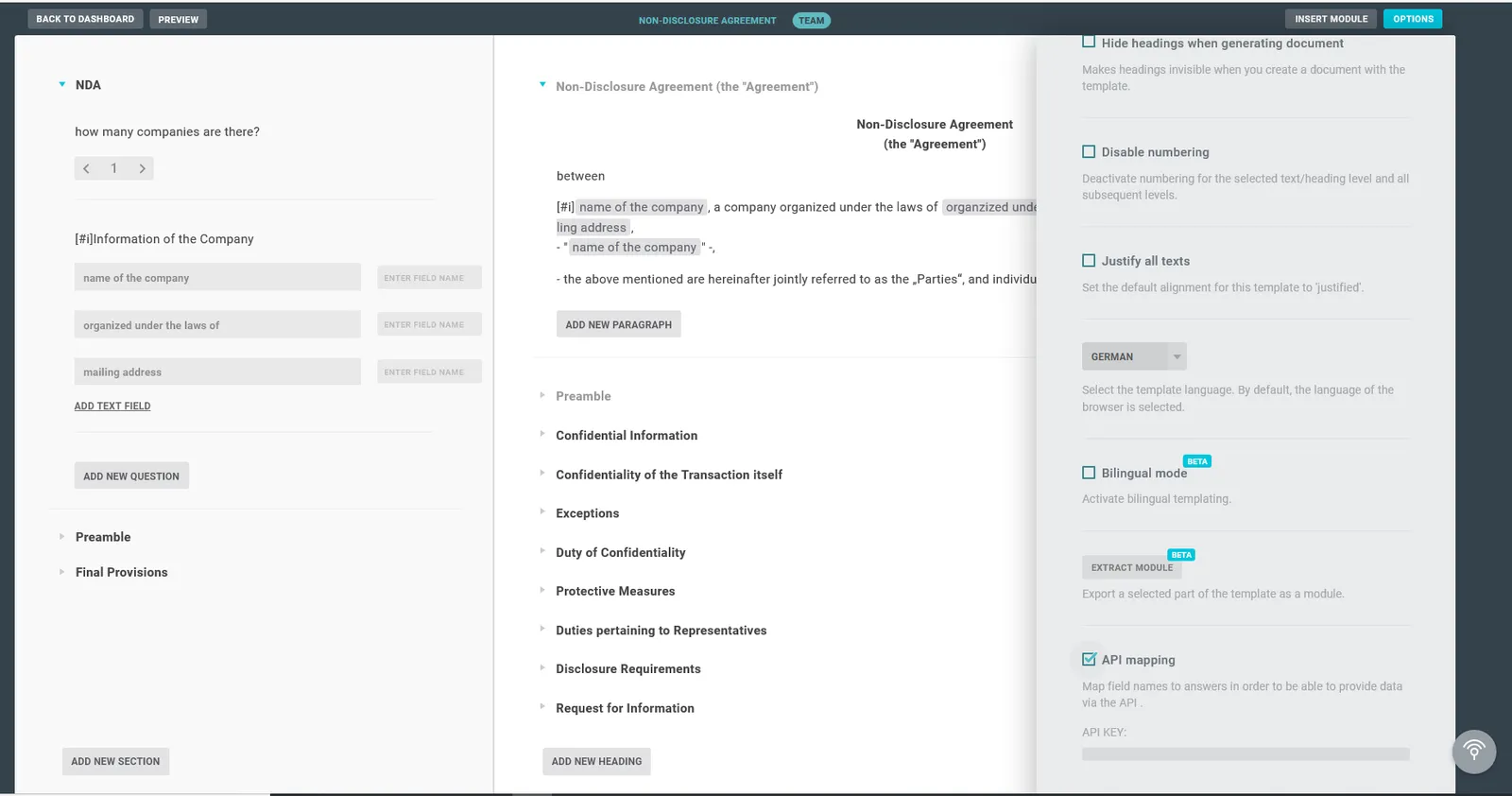
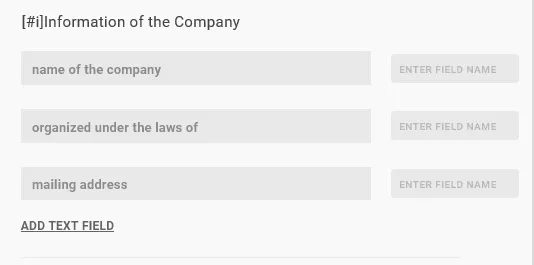
3. For each answer, a further field is displayed in which the field name can be entered (e.g. client_email):
Now the API can be used, as long as you send the data from your side to our interface in the correct format. You can read how this works here: https://developer.lawlift.com/.
Info
You can also use the API fields without a Lawlift account as part of a publication. Note that if you activate the API fields in the template, they will always appear in the publication as well.