After giving the flow a name in the Power Automate editor you can select your created flow in the publication settings.
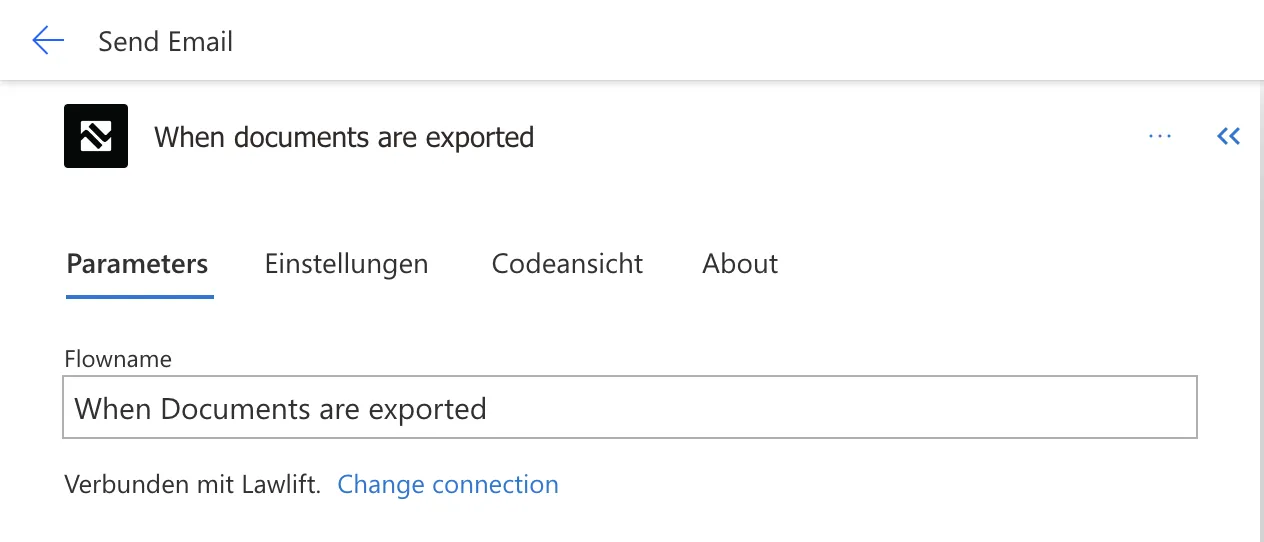
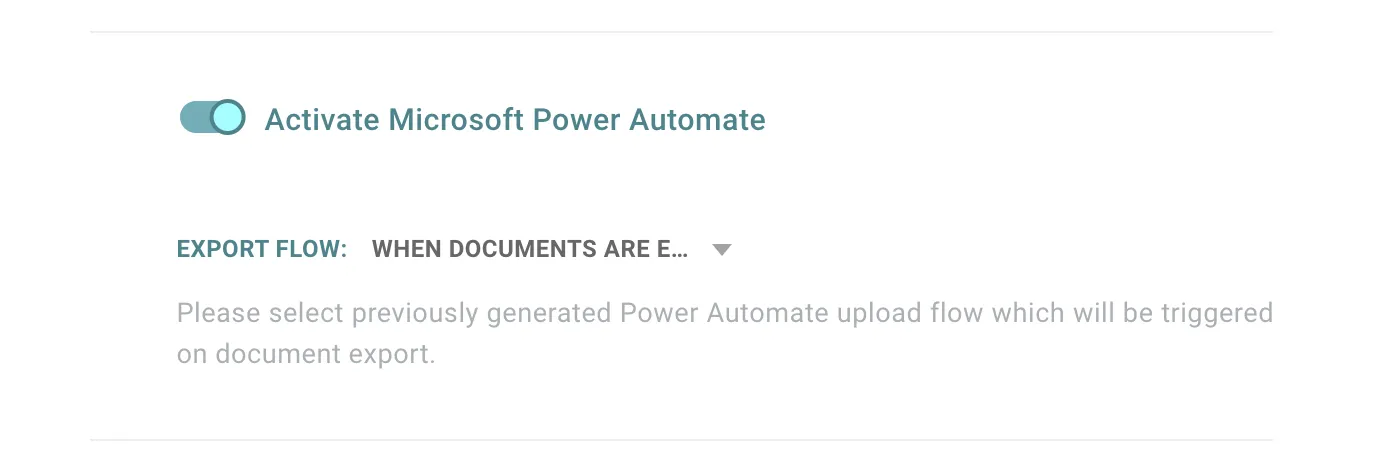
In the dashboard, open your publications, select your publication of choice and click “Edit Publication”. Then scroll to the advanced settings, activate them, and find the option to set up Power Automate.
Activate Power Automate and select the flow you created earlier (in our example, this would be “When documents are exported”).
What does the flow do? Every time a user exports a publication (i.e., triggers an export to .docx), your flow starts - in this example, the owner of the publication receives an e-mail with the name of the user, the document, and the given answers as a CSV file.