Part 2: The numbering
First, you have defined which element should be at which level.
At each level, you can set for each element whether it should be numbered or not.
By structuring your template, you determine the level on which the individual headings and paragraphs are located and whether they should be displayed numbered or unnumbered. When exporting to Word, they adopt the formatting you have specified for these levels.
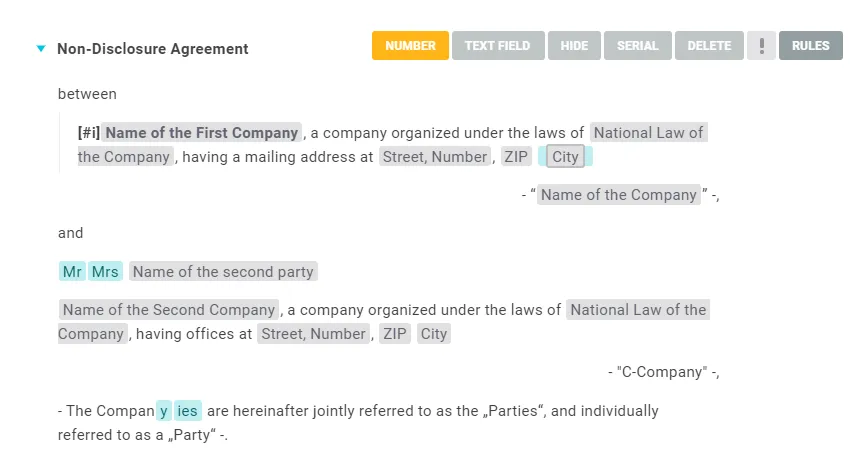
About the logic in numbering: as soon as a heading is indented one level further, the paragraphs on the same level in the previous heading can no longer be numbered. The reason: paragraphs and headings share one numbering per level and context, and the heading already uses it there. To number those paragraphs, place them one level below the heading.