Documents
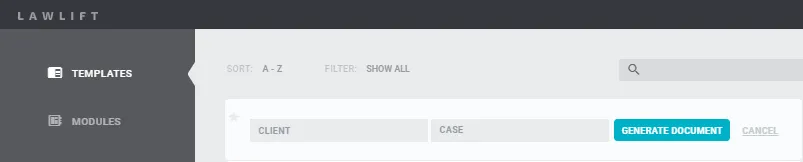
Under DOCUMENTS, used templates are saved chronologically. Documents are the files that are created when you click on USE and GENERATE DOCUMENT for a template under the menu item TEMPLATES. Documents always represent the current state of the completed interview.
Info
The last 48 documents are displayed. The most recent ones appear at the top, which is why the display changes with each document creation. You will also see those documents that were created in your user groups.
Users can further edit or delete partially completed documents.
Search can be used to find - even older - documents. Use our filter to keep track of the different documents.
Clients/Files
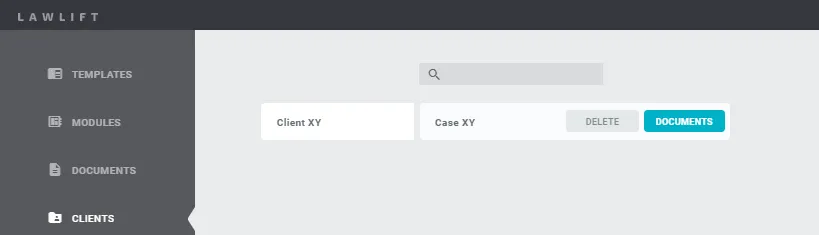
Under MANDATES/FILES, your used templates, i.e. documents, are sorted by client/file. If you click on the respective client, the corresponding CASE/SUBFILE will also be displayed. If you click on the respective CASE/SUBFILE, the corresponding documents will be displayed.
Note
The dashboard gives you a quick overview of your recently used templates - it is not a document management system. Depending on the view, up to 100 documents are displayed. This limit results from the decryption (security) on your computer and therefore depends significantly on the processing power of your computer.