The AI budget covers a monthly period and resets automatically at the start of it. You can find the exact date right inside the Add-in.
Good to know
-
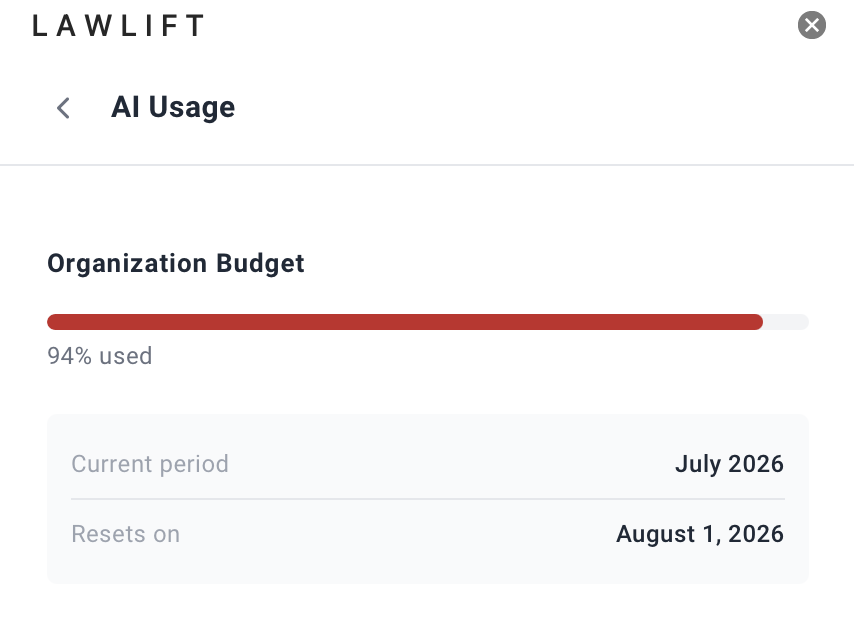
Date in the Add-in: Open AI Usage. Current period shows the running billing period, and Resets on shows the date the budget resets.
-
Automatic: When the new period begins, the AI features become fully available again with no action needed.
-
Organization-wide: The reset applies to the whole Organization Budget, and so to all members together.
-
Before the reset: If the budget is already used up, you can wait for the reset or contact your administrator (see What to do when the budget is reached).