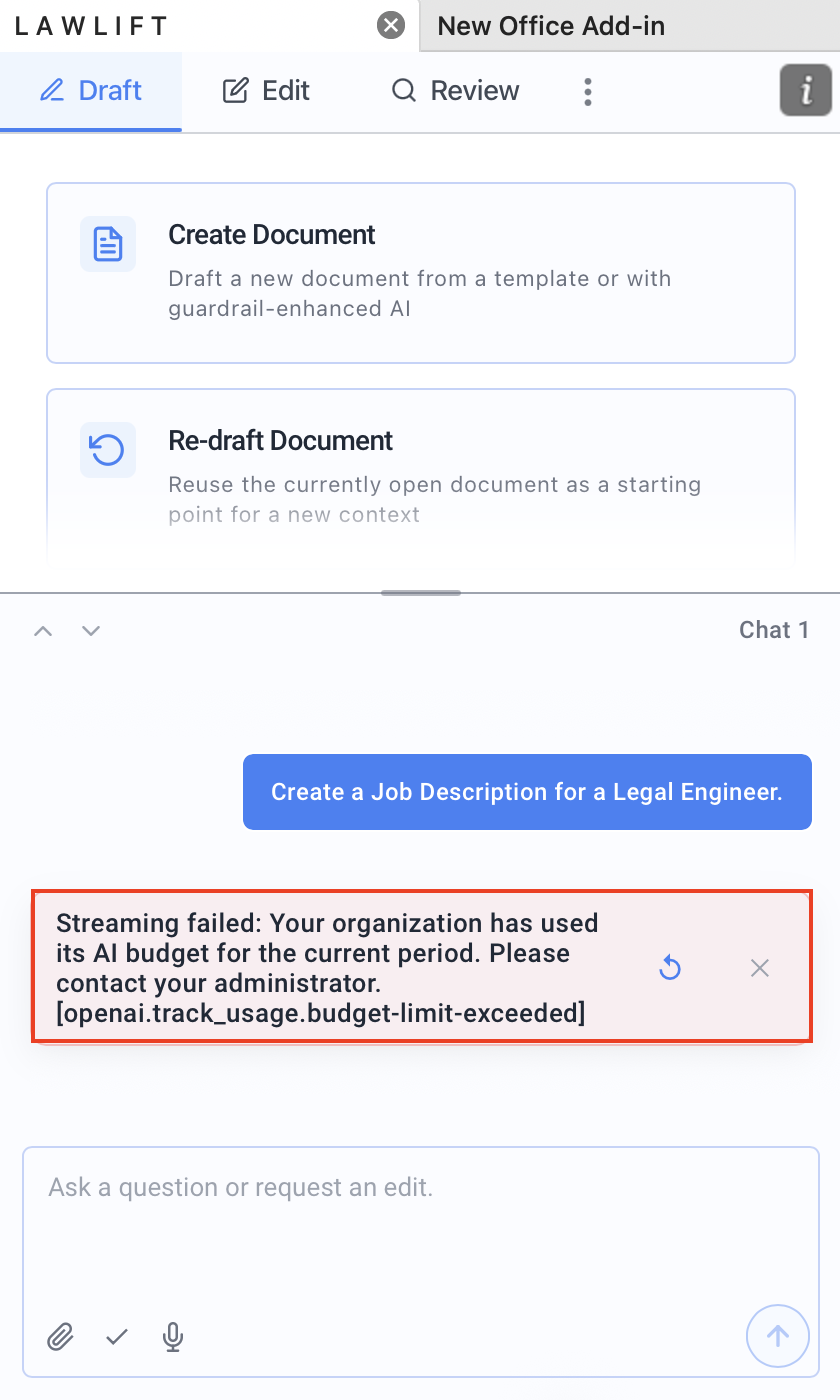
When your organization reaches its monthly AI budget, the Add-in’s AI features become temporarily unavailable. The Add-in shows a message to let you know.
Good to know
-
Message in the Add-in: Once the budget is used up, you see “Your organization’s AI budget for this month has been reached. Contact your administrator.” Beforehand, a banner warns you: “Your organization has used percentage% of its monthly AI budget.”

-
Contact your administrator: The budget applies to your whole organization. Reach out to your administrator, who can review the limit and adjust it if needed.
-
Extend the budget: Your Customer Success Manager or our support can arrange an extension of your AI budget. A higher budget is available for an additional fee.
-
Wait for the reset: Alternatively, wait for the budget to reset automatically at the start of the next period (see When does the budget reset?).
-
Check usage: In AI Usage, the Organization Budget and Resets on values show how much has been used and when the next period begins (see Understand your AI usage & budget).
-
Keep working without AI: Features that do not rely on AI remain available.