With Re-draft Document you reuse the currently open document as a starting point for a new context. Lawlift analyzes the existing structure and adapts the case-specific content.
Step by step
-
Open the document you want to reuse in Word.
-
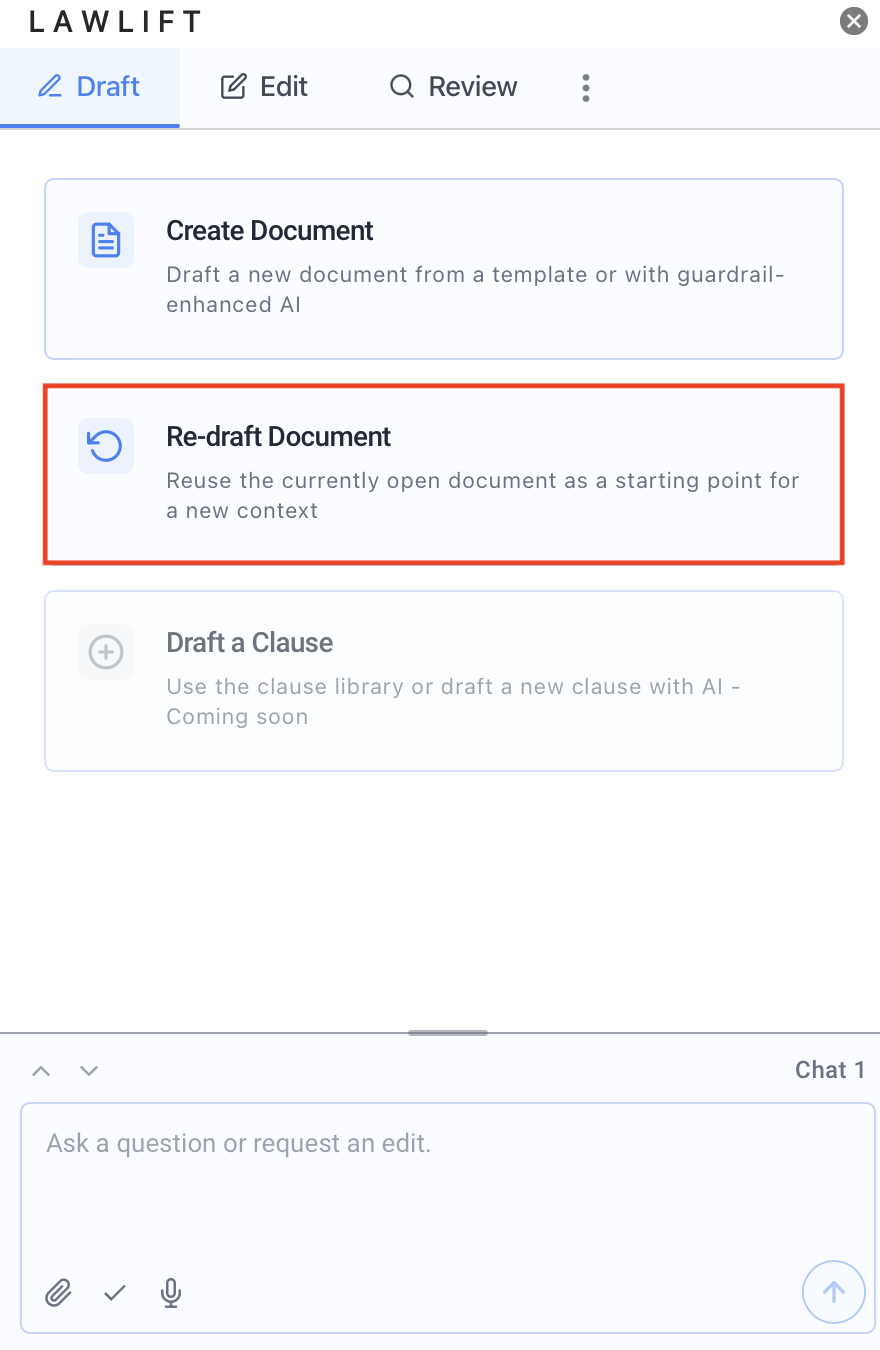
In the Add-in, switch to the Draft tab and choose Re-draft Document.
-
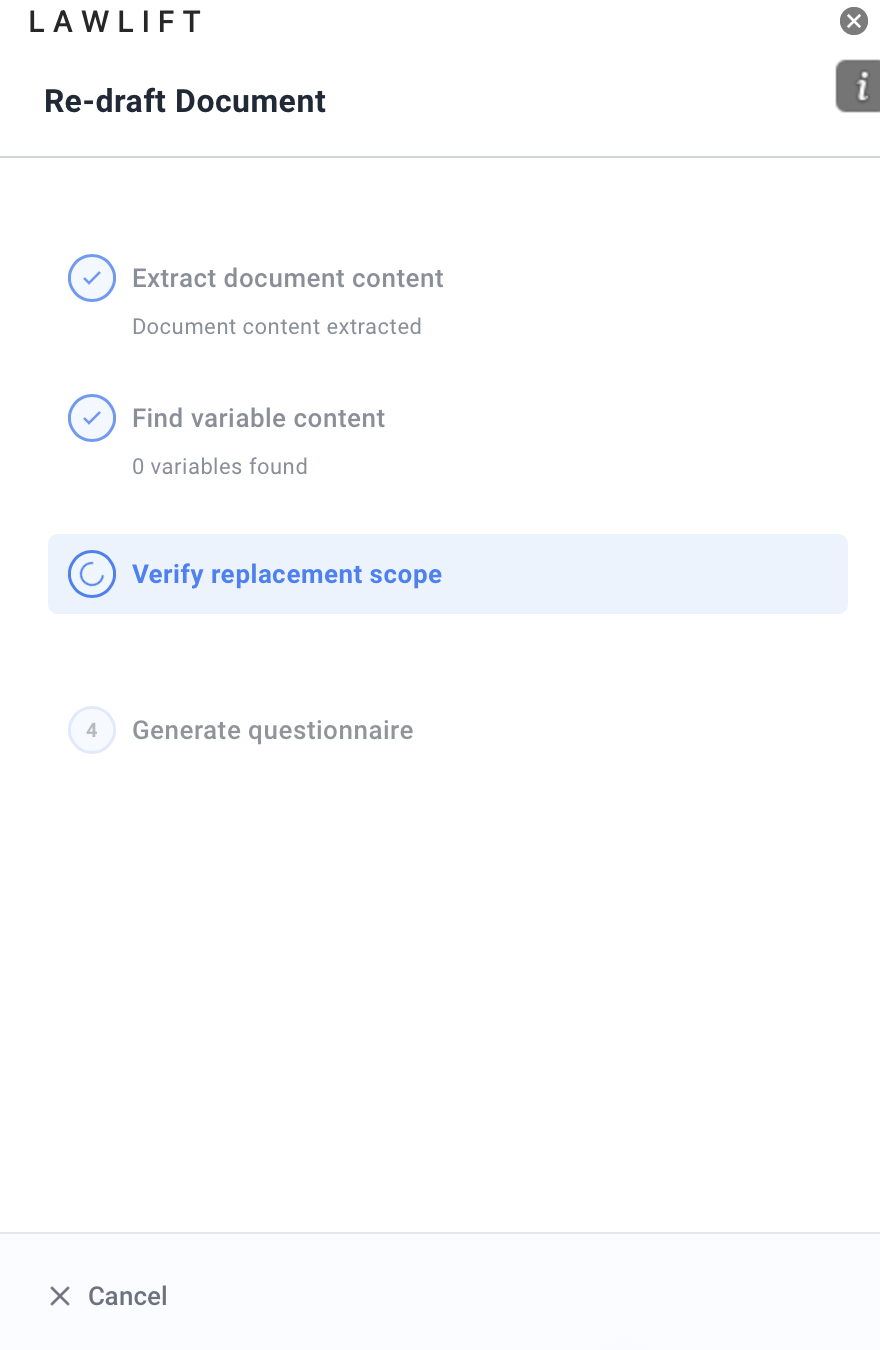
Analyzing Document: Lawlift extracts the content, identifies optional sections and variable content, and verifies the replacement scope. It then generates a questionnaire.
-
Customize Document: Answer the generated questionnaire with the details of the new matter and click Generate Edits.
-
Review Changes: Review the proposed edits and apply them to your document.
Good to know
- For large documents, the Add-in notes that it uses an optimized analysis.
- Afterwards, check the result with Run document tests.