The Lawlift Word Add-in is an Office Add-in for Microsoft Word and runs on the platforms that support modern web add-ins. It needs an active internet connection, as it communicates with the Lawlift services at app.lawlift.de.
Step by step
-
Check that you are using a supported flavor of Word: Word for Windows and Word for Mac (Microsoft 365 subscription, up to date) as well as Word on the web.
-
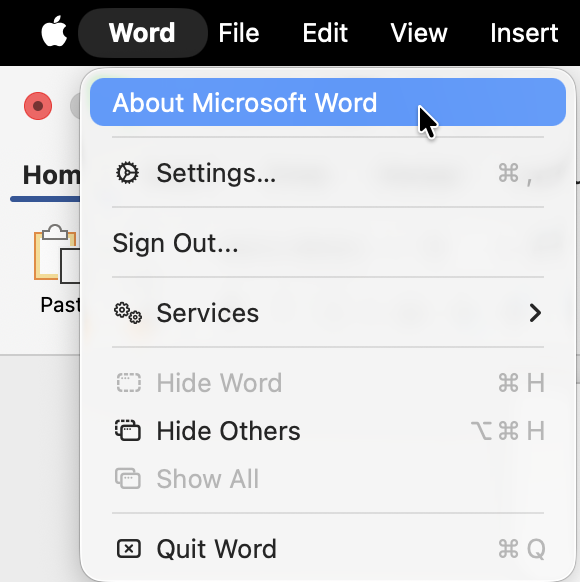
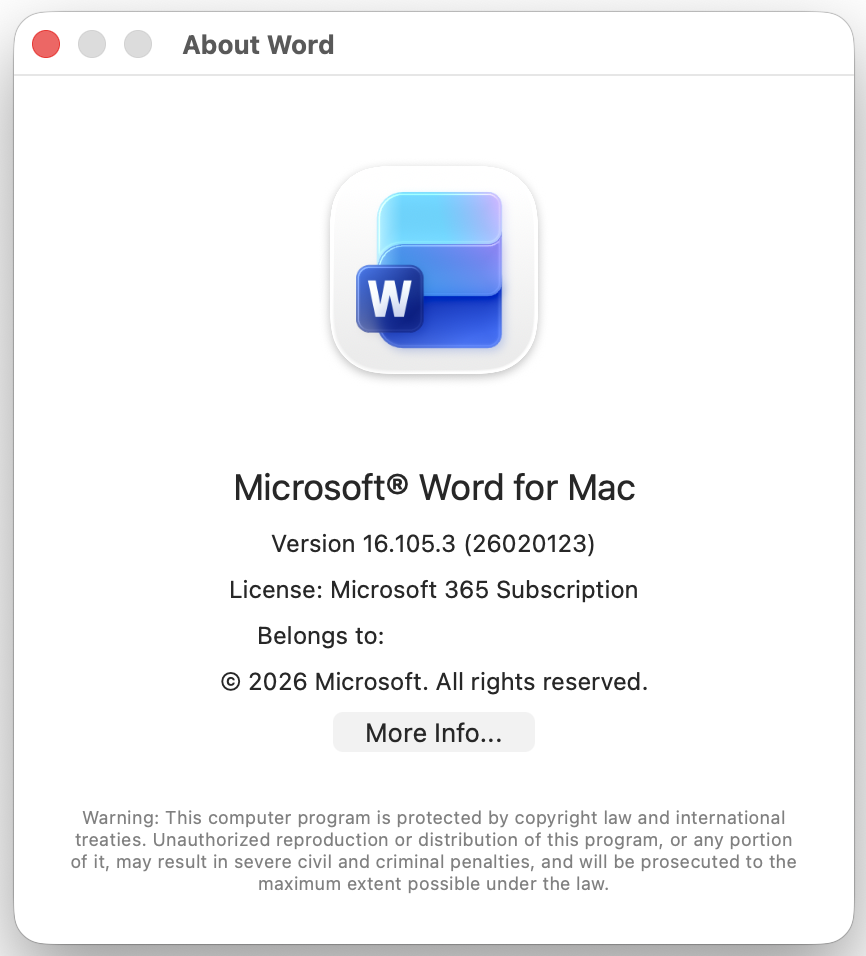
Quickly check that your Office version is current. The Add-in requires the AddinCommands requirement set (version 1.2 or higher) for the ribbon button. You find your version on Mac under Word → About Microsoft Word, on Windows under File → Account.
-
Ensure you have an internet connection and access to
app.lawlift.de. The Add-in loads the task pane from this address.
Good to know
- Single Sign-On: Automatic sign-in via Microsoft 365 requires a current Office build. On older builds you sign in with email and password instead (see Sign in & Single Sign-On).
- PDF documents: Documents opened from a PDF must first be saved as a Word file (
.docx) before AI features become available. - Stay current: Keep Word and Office up to date so that all features and SSO sign-in work reliably.