The task pane is your command center in the Word Add-in. It is organized into three tabs - Draft, Edit and Review - plus an Options menu for further settings.
Step by step
-
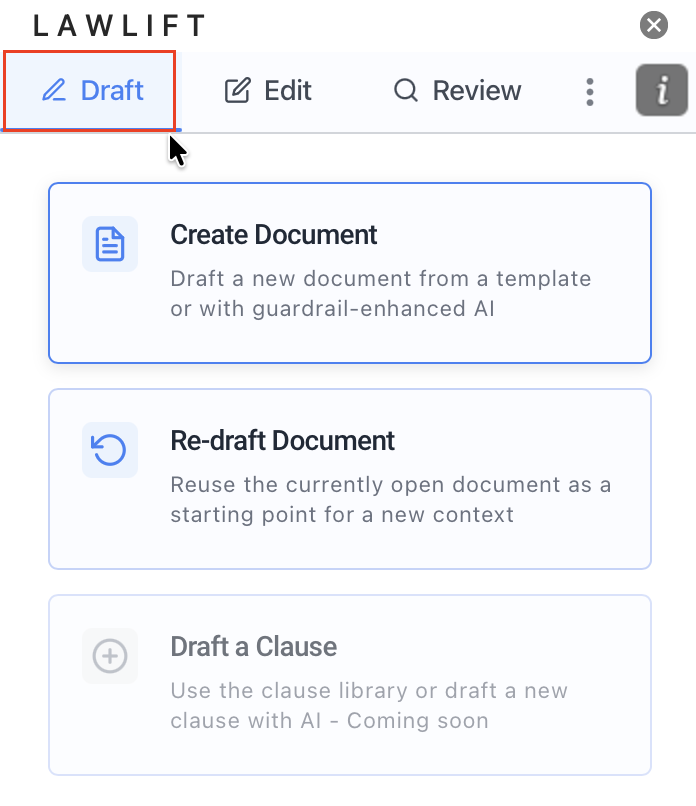
Draft: This is where you start new documents. The Create Document card leads to a template or an AI draft from scratch; Re-draft Document reuses the current document as a starting point.
-
Edit: Here you find Translate, Anonymize and Apply Formatting to revise an existing document.
-
Review: Here you run Run Document Tests and produce a structured overview via Create Summary.
-
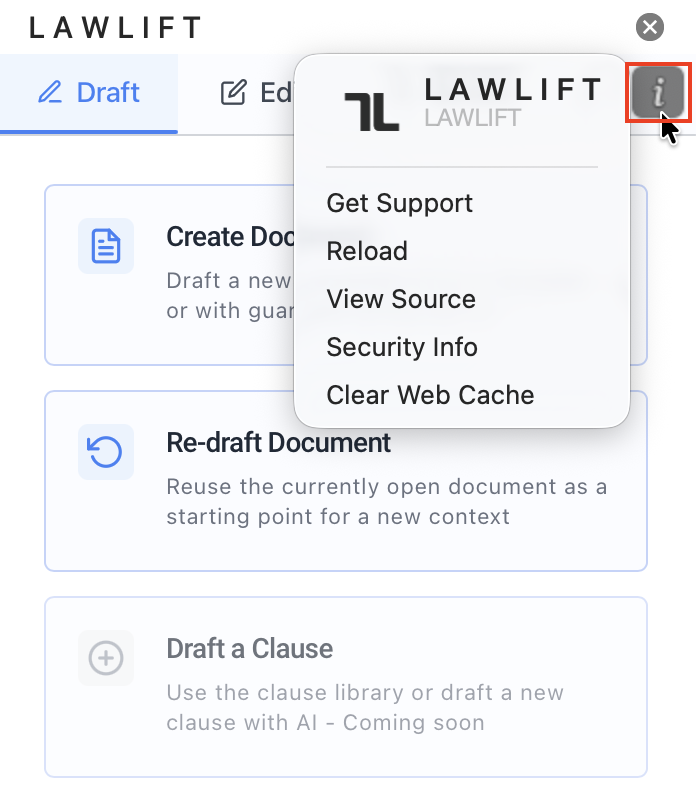
Menu: Open the Options menu (the three dots ⋮) to reach Templating, Preferences (e.g. appearance, language and AI model), AI Usage and Logout.
Good to know
- Feature cards: Each card shows a title and short description. Coming-soon features such as Draft a Clause and Audit Document History are labeled accordingly.
- Quick start: From any card you go straight into the matching flow - for example, Create a document from a template.