Draft, edit and review documents.
Legal drafting, anonymization and document review in one Word add-in. These features extend deterministic, rule-based document automation when a fixed template is not enough. Use only what your workflow needs.
AI-assisted legal drafting
Create a first draft from a rule-based template, a guardrail template or a blank page.
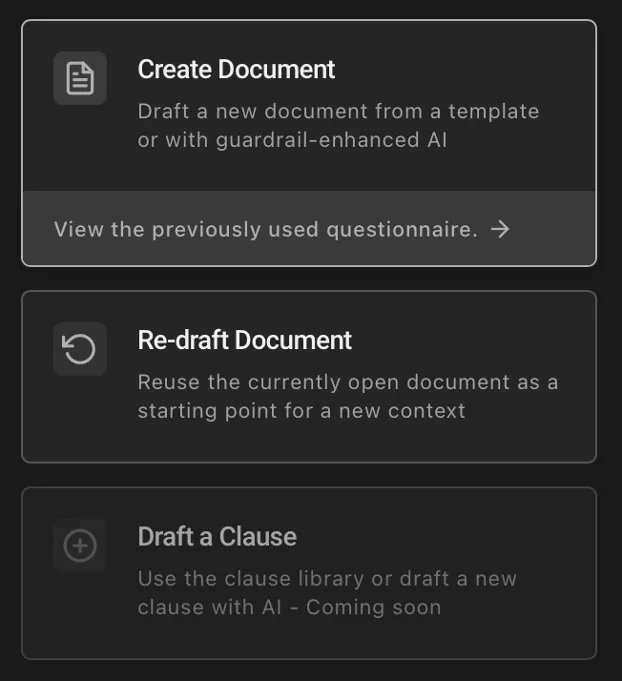
Start from a rule-based template - or a blank page
Answer the questionnaire of a rule-based template and your approved rules assemble the document deterministically - the same inputs, the same result. When you need more room, let AI draft from a guardrail template, an existing document or a blank page.
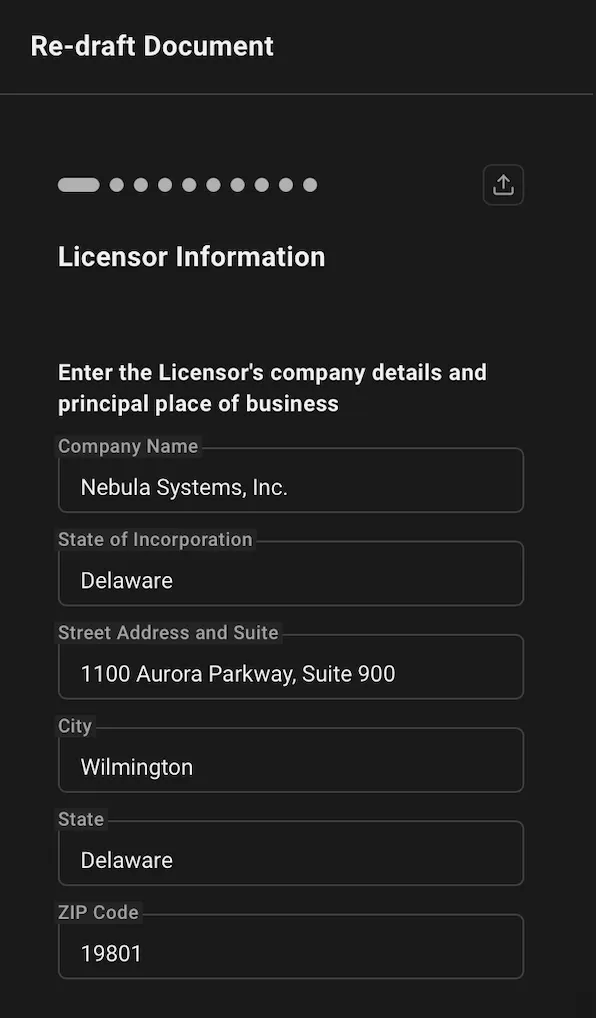
Upload a file to pre-fill the questionnaire
Instead of answering every question by hand, upload a relevant document. Lawlift extracts the answers and pre-fills the questionnaire.
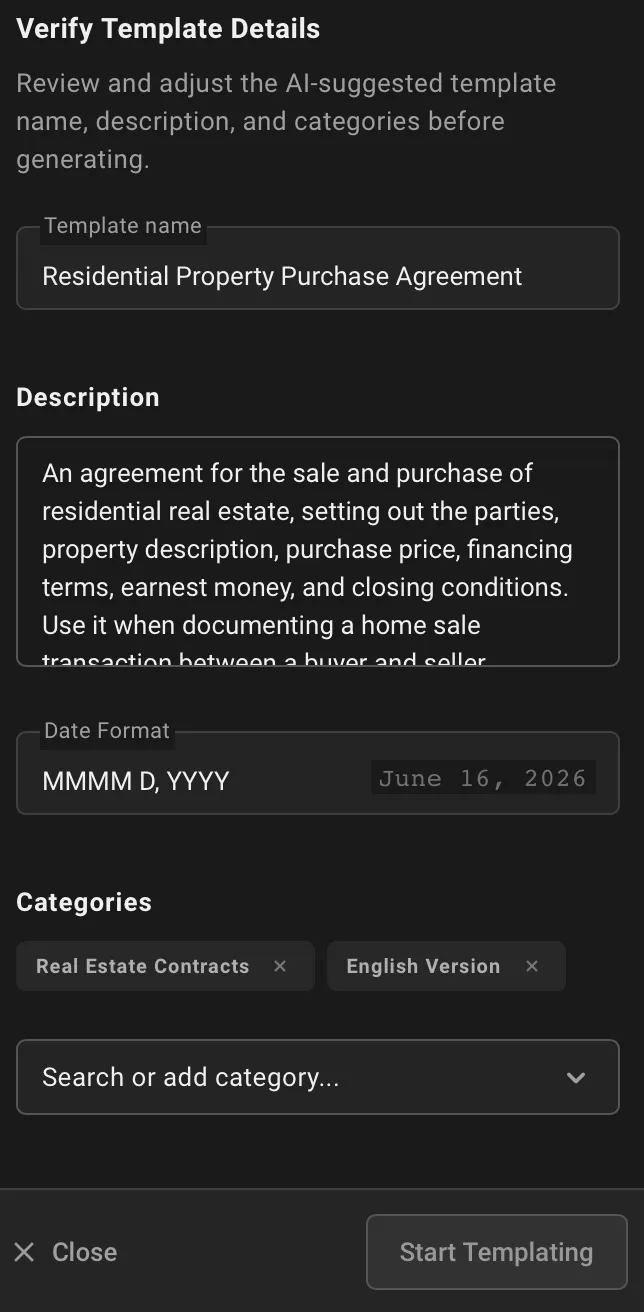
Turn existing documents into a guardrail template
Upload one or more existing documents. Lawlift proposes a combined master, identifies optional content and variables, and builds a structured questionnaire around them without manual rule encoding.
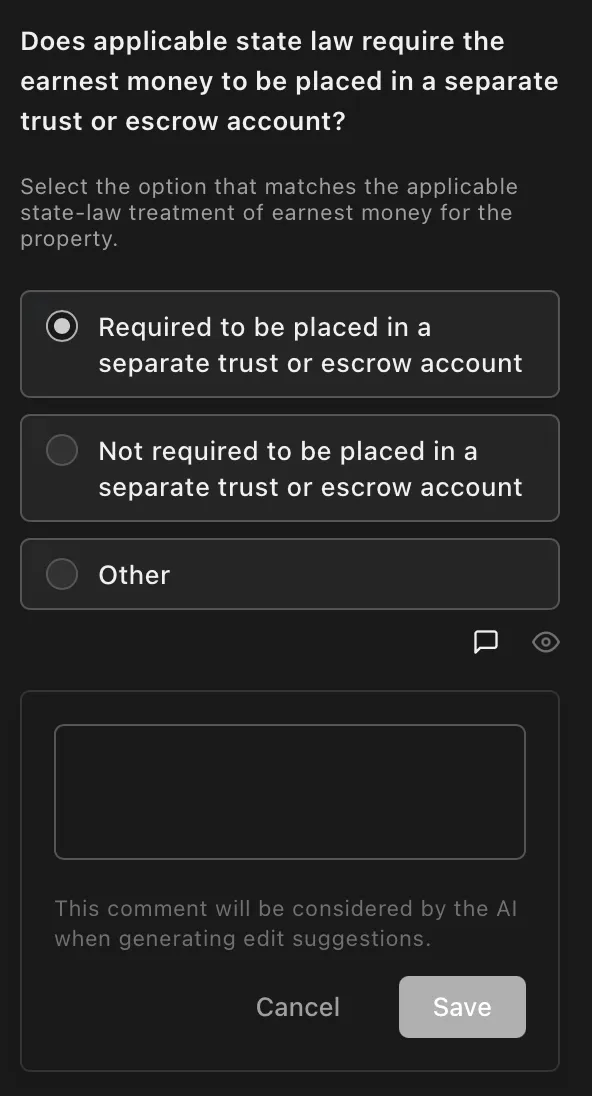
Structured questions for more complete answers
A well-designed questionnaire does what a blank form can't: it guides the user through the relevant facts in a logical order, section by section, making important information less likely to be missed.
Legal anonymization, translation and formatting
Transform a document you already have: anonymize sensitive details, translate it, create a bilingual copy or apply your formatting. Everything happens in Word, with or without tracked changes.
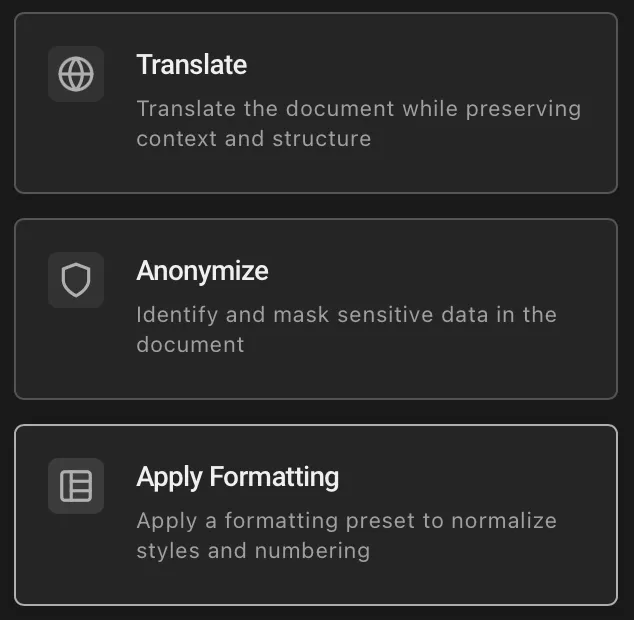
Translate, anonymize and reformat in Word
Translate a document or create a bilingual copy with original and translation side by side. Identify sensitive content and redact it, or apply a saved formatting preset to your document.
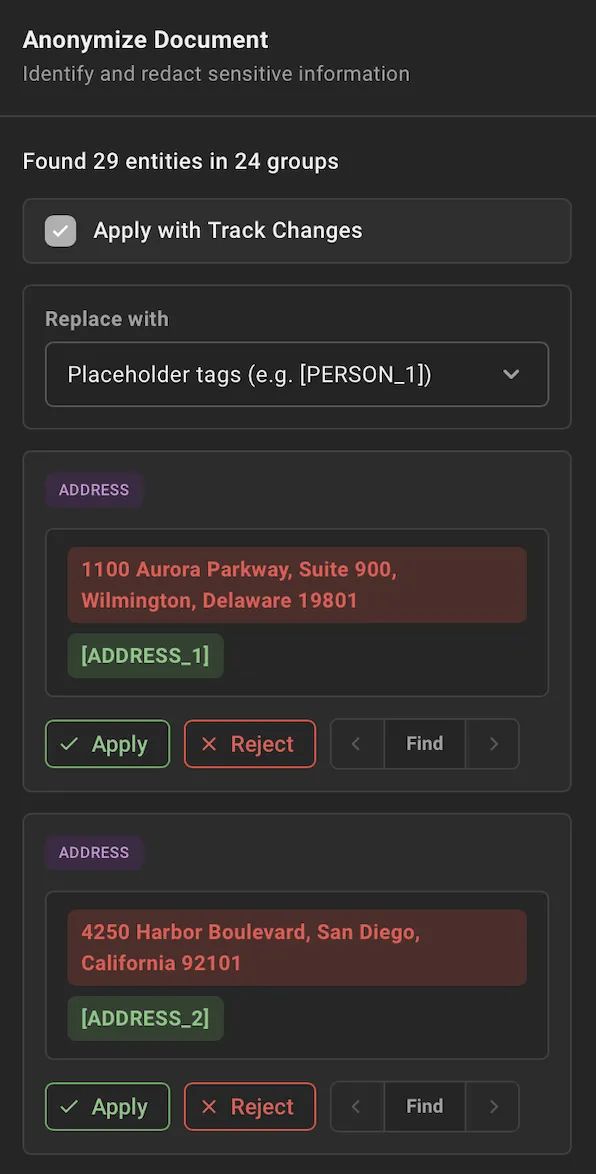
Anonymize and redact sensitive details
Lawlift can identify names, addresses, monetary amounts and other legally or commercially sensitive content throughout a document and replace it.
Legal document review against your standards
Check a contract or any other document against your own requirements and turn the findings into a structured report or tracked changes.
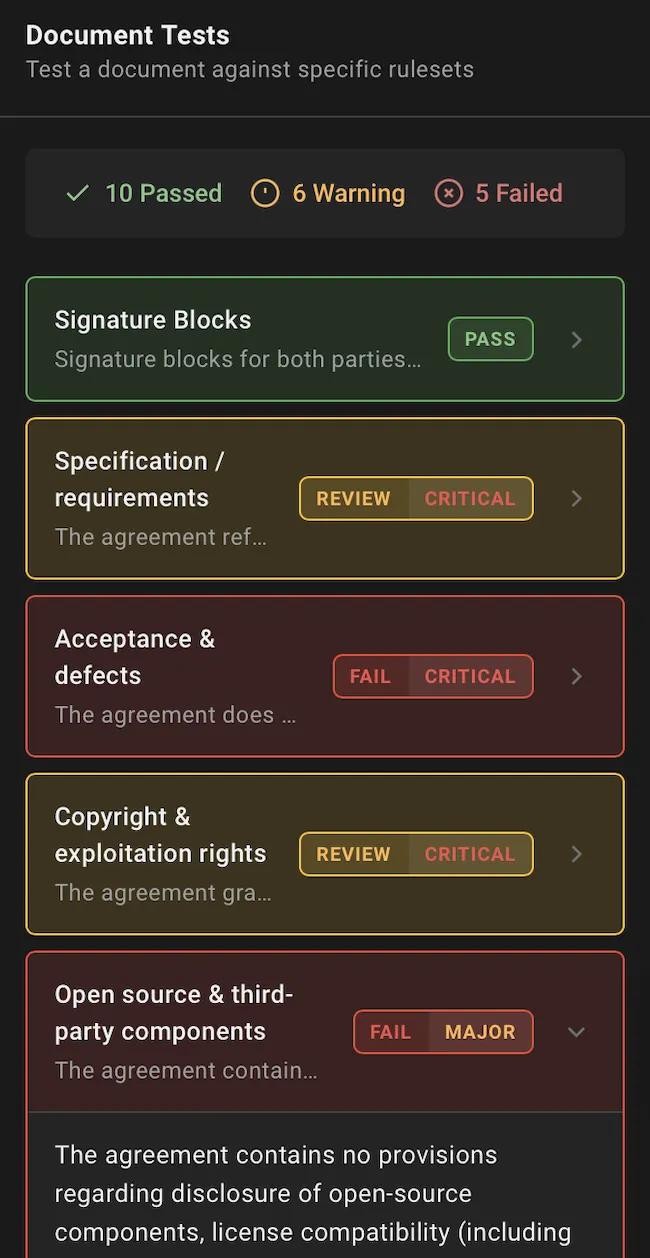
Check a document against your requirements
Each ruleset bundles checks for aspects such as style, wording, legal standards and compliance. A check highlights passages that may need attention; you decide whether and how to respond.
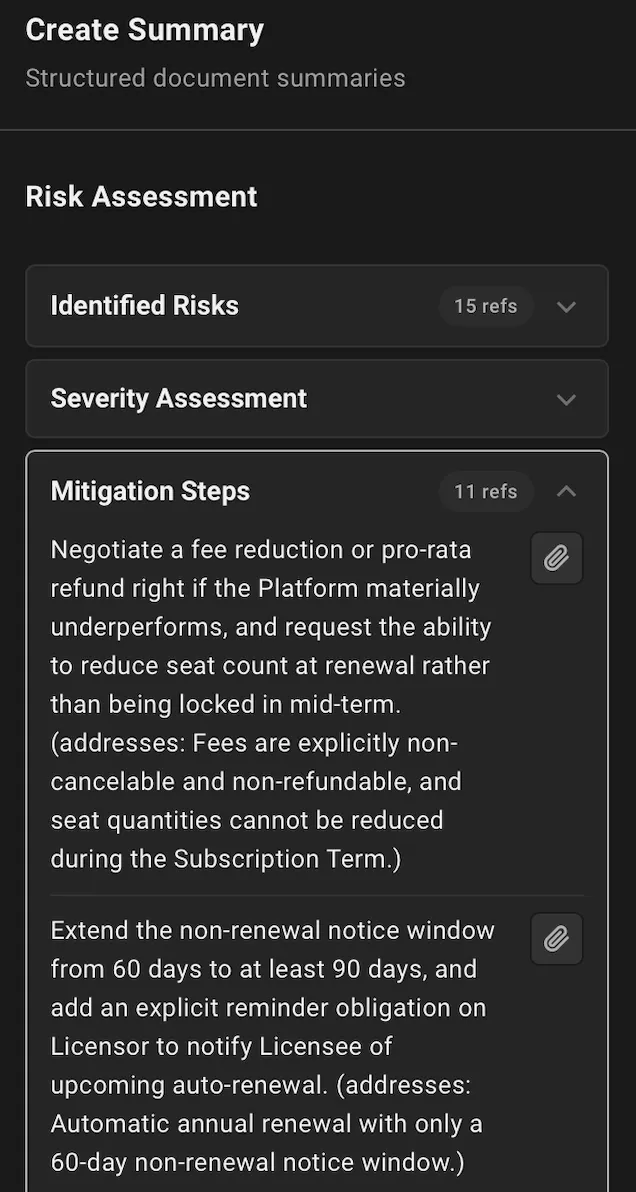
Create a structured report from a document
Choose a predefined summary format or define your own structure. Lawlift extracts the requested information into that format for you to review.
An assistant inside your document
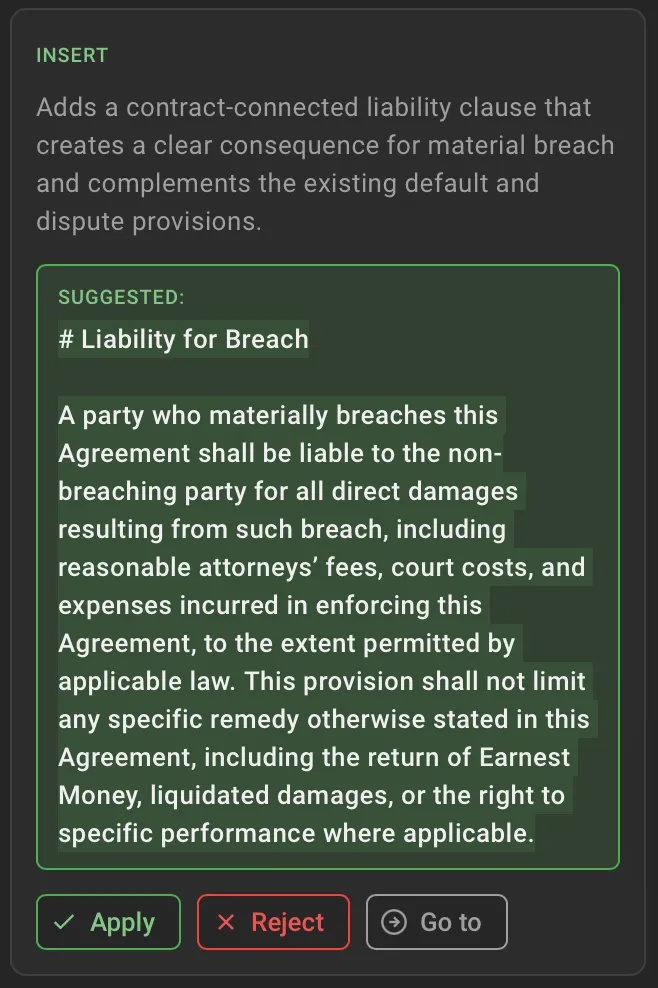
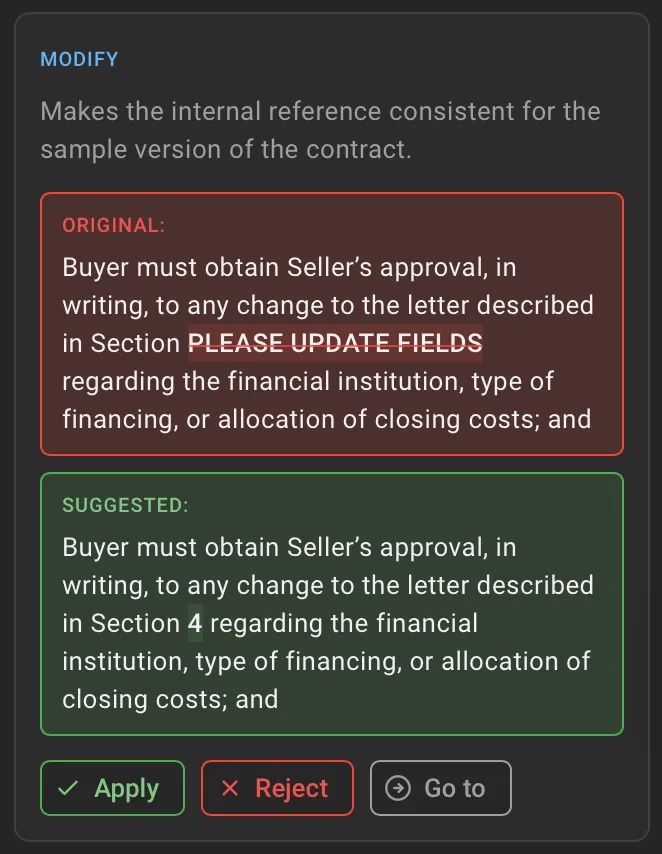
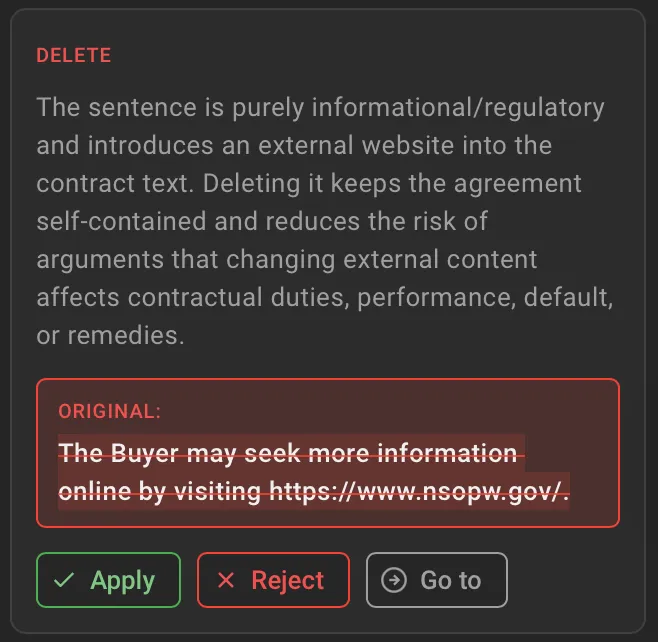
A new clause, a rewrite or a check: give the instruction in Word and the assistant delivers its suggestion as a tracked change.
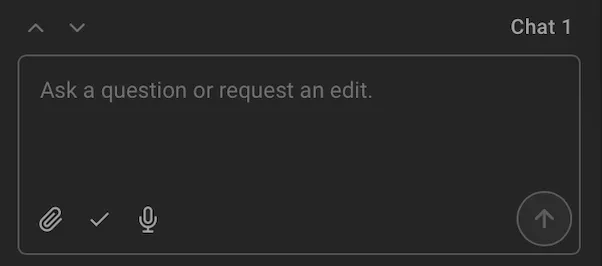
An on-demand assistant that drafts, reviews, and edits
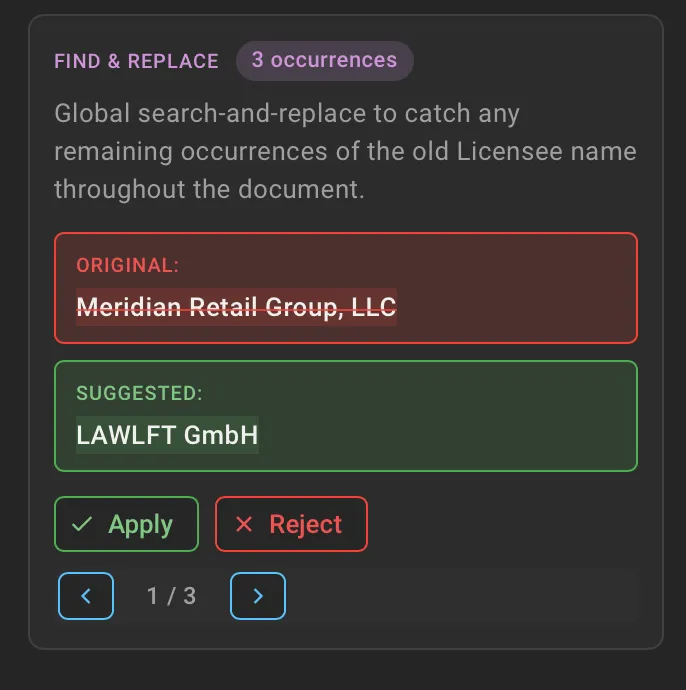
Type or dictate your instruction, attach files for context, and the assistant responds with suggested changes in a red-green view. Accepted suggestions land as tracked changes in Word. Enable auto-apply to skip the approval step. Queue multiple prompts in the same context.
Tell the Assistant what you want to achieve. Lawlift suggests a suitable approach - a direct edit, search and replace, or a purpose-built function such as template-based drafting or document summarization.
Questions about drafting, anonymization and review
- How does legal anonymization work in Lawlift?
- Lawlift identifies names, addresses, amounts and other sensitive details throughout a Word document and replaces them consistently, with or without tracked changes.
- Can I choose how sensitive details are replaced?
- Yes. Decide how detected details should be replaced, for example with placeholder tags, optionally highlighted, a custom placeholder format or full redaction where content must be blacked out.
- What does legal document review check against?
- Rulesets. Each ruleset bundles checks for aspects such as style, wording, legal standards and compliance. Use the built-in rulesets, build your own from your playbook or internal standards, or combine both.
- Does legal document review work on documents from the other side?
- Yes. Check any Word document against your own requirements, whether you generated it, received it or already have it on file. Findings appear as highlighted passages with an optional suggested edit, or as a structured report.
- What is a guardrail template?
- An approved master document combined with a questionnaire. When a fixed rule-based template is not enough, AI drafts within those guardrails and every suggestion arrives as a tracked change for you to accept or reject.
- Do these features work inside Microsoft Word?
- Yes. Drafting, anonymization, translation, formatting, review and the assistant run in the Lawlift Word add-in alongside deterministic, rule-based document generation, and changes land as tracked changes so nothing is applied without your decision.
- Where are documents processed when I use the AI features?
- AI processing runs within the EU. Lawlift is hosted in Germany in ISO/IEC 27001-certified data centres and never trains on customer data.