You’ve automated your templates with Lawlift - now they need to land across your company. Since every rollout looks different, treat the tips below as a starting point.
The rollout in four steps:
- Identify your user groups
- Make Lawlift visible (newsletter, SharePoint)
- Build knowledge and skills (videos, help, academy)
- Tell people which templates are available
1. Prepare the rollout
A successful rollout starts with knowing your user groups. Be clear about where, how and by whom Lawlift will be used:
- Which target group do you want to reach, how large is it, and through which channels?
- Will users build templates themselves (authors) or only use automated ones?
- Do they have prior knowledge or technical affinity?
- What does document creation look like today - and are competing products in use?
2. Increase visibility
First, make sure everyone hears about the launch from a central place. What has proven its worth:
- Internal newsletter - sent regularly, covering “What is Lawlift?”, the benefits, success stories and (if you use them) publication links.
- Legal-tech page (e.g. in SharePoint) or a knowledge base that bundles everything: publications, the Lawlift Academy, the help page and an internal contact person.
- Visual onboarding - a short Lawlift trailer or explainer video for new and existing staff; alternatively a PowerPoint deck.
3. Build knowledge and skills
- Authors (create and manage templates): fastest through the Lawlift Academy plus videos and articles in the help - ideally by building simple templates themselves.
- Document creators (work with publication links or the “Read only” role): a short video or PowerPoint takes away the fear and answers the common questions - How do I open a publication? How do I fill in the questionnaire? How do I export a document? Make it clear this is now quick and doesn’t need the legal department.
- For everyone: appoint a contact person and hold regular meetings for questions and feedback. Keep a status overview of the templates (which exist, which are finished, which are in progress, who owns each). And switch off old solutions to encourage adoption.
Tip: Add a dedicated “Templates” tab directly in Word where staff can find the publication links.
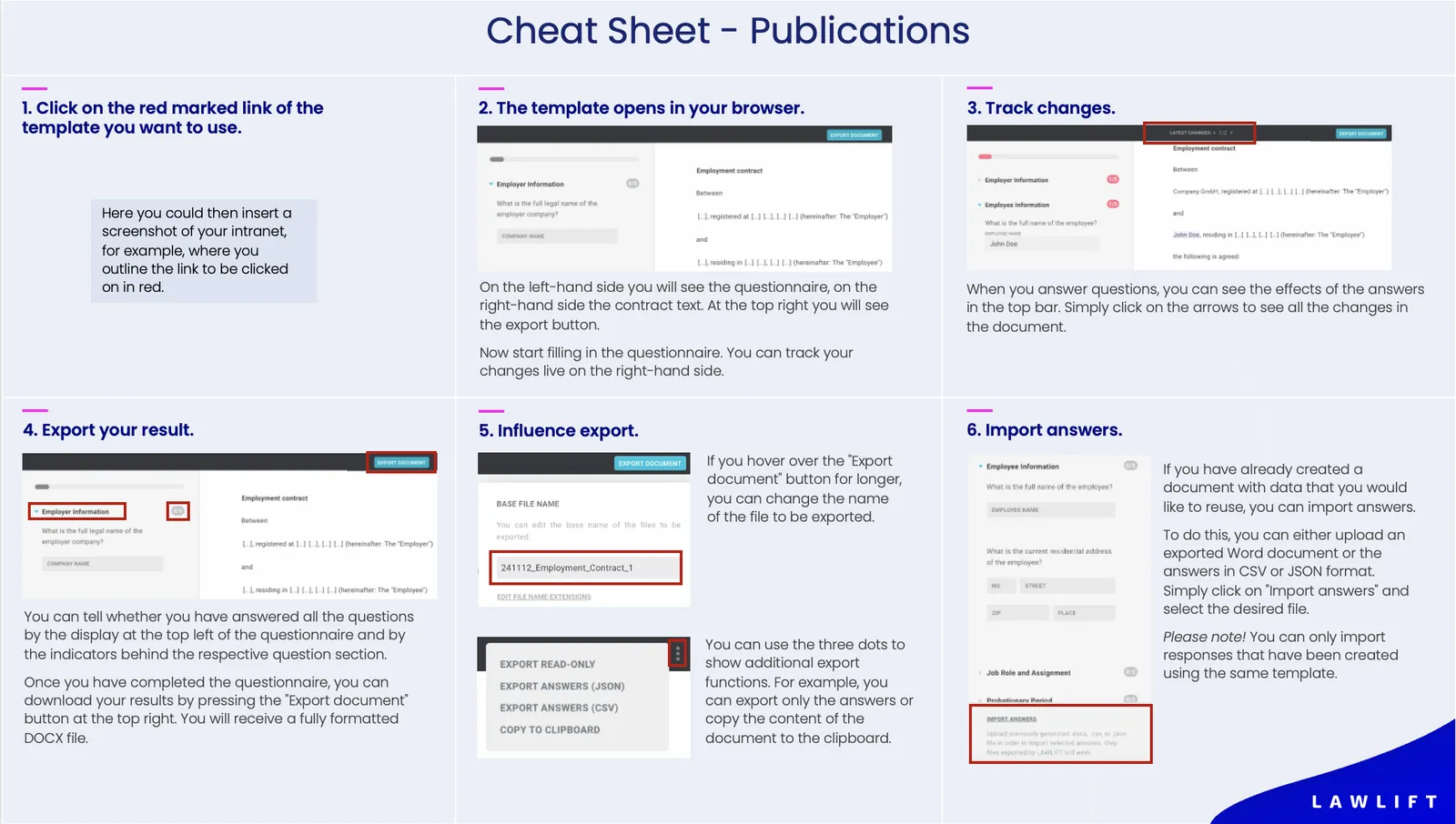
4. Cheat sheet for publications
An overview of the functions makes it easier for staff to get started with publications. Download our template and adapt it to your use cases: