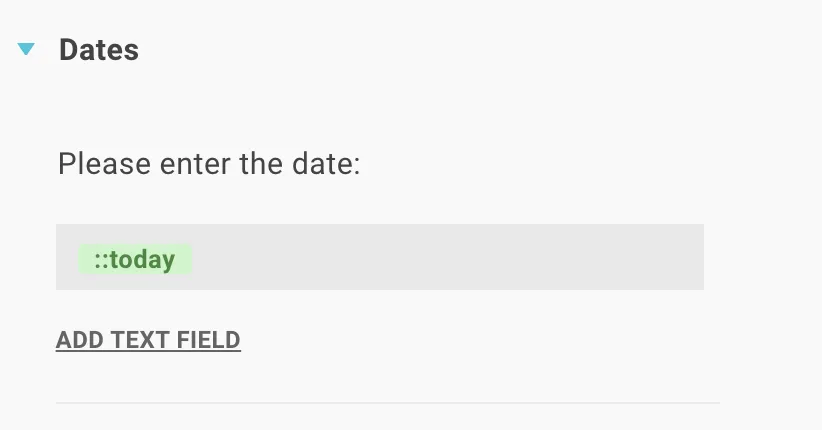
In Lawlift you can calculate with dates - for example add or subtract a period - and insert today’s date automatically.
Add a date calculation
Calculating with dates works like normal calculations - you just put the calculation inside a placeholder where the date should appear. Enter ::ph[calculate(...)] and connect the placeholder to your text field (click the placeholder, then click in the text field).
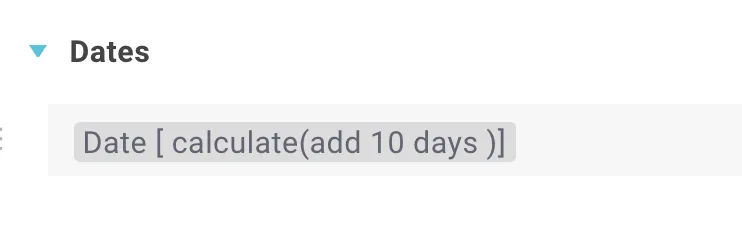
Note: Editing the calculation breaks the link to the text field - reconnect the placeholder afterwards.
The possible calculations:
calculate(add xx days/months/years)calculate(add xx days/months/years endOfMonth/Year)calculate(add xx days/months/years startOfMonth/Year)calculate(subtract xx days/months/years)(withendOf…/startOf…likewise)
Every calculation needs: 1. an operation (add/subtract), 2. a value as a whole number, 3. a unit (from year to millisecond) and 4. optionally a relative operation (startOf…/endOf…). Mind the upper/lower case.
Example - add three years from the end of the year: ::ph[calculate(add 3 years endOfYear)]
Format the date
Format the date inside the placeholder, e.g. ::ph[format(DD.MM.YYYY)].
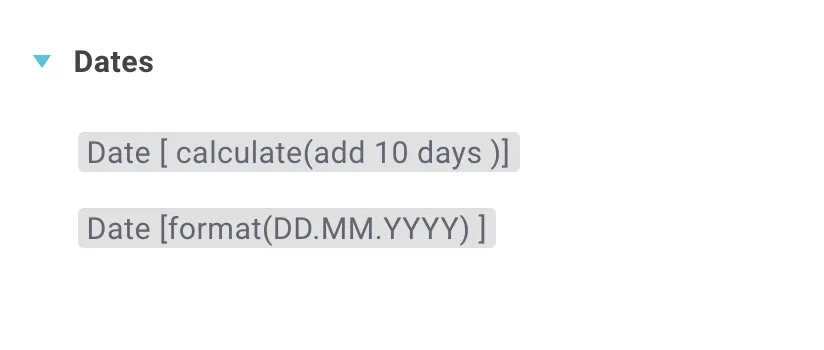
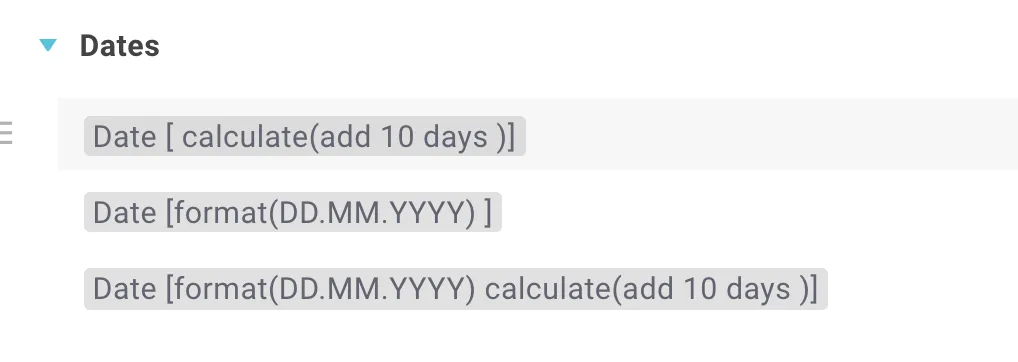
Format and calculation can be combined - put both commands in the same placeholder. Separate the parts of the date with any usual symbol (. , ; - & /).
Today’s date as default
Insert a new variable into your text field - Lawlift then preselects today’s date when generating a document (the user can still change it).