When you are not sure which template fits your matter, simply describe what you need. Lawlift searches your templates and suggests the best matches.
Step by step
-
Open the Add-in, switch to the Draft tab and click Create Document.
-
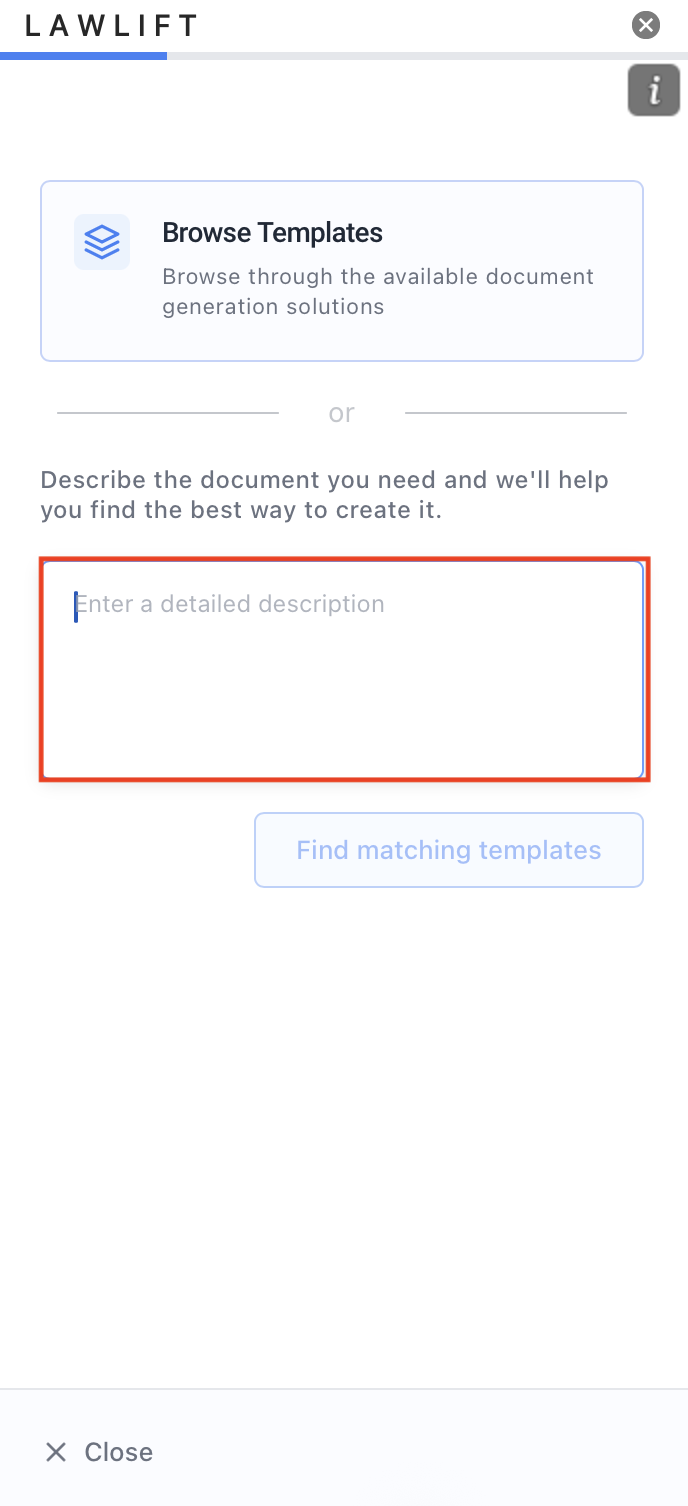
Under How would you like to start?, choose Describe what you need.
-
In the description field, tell us which document you need - the more specific, the better. Click Find matching templates.
-
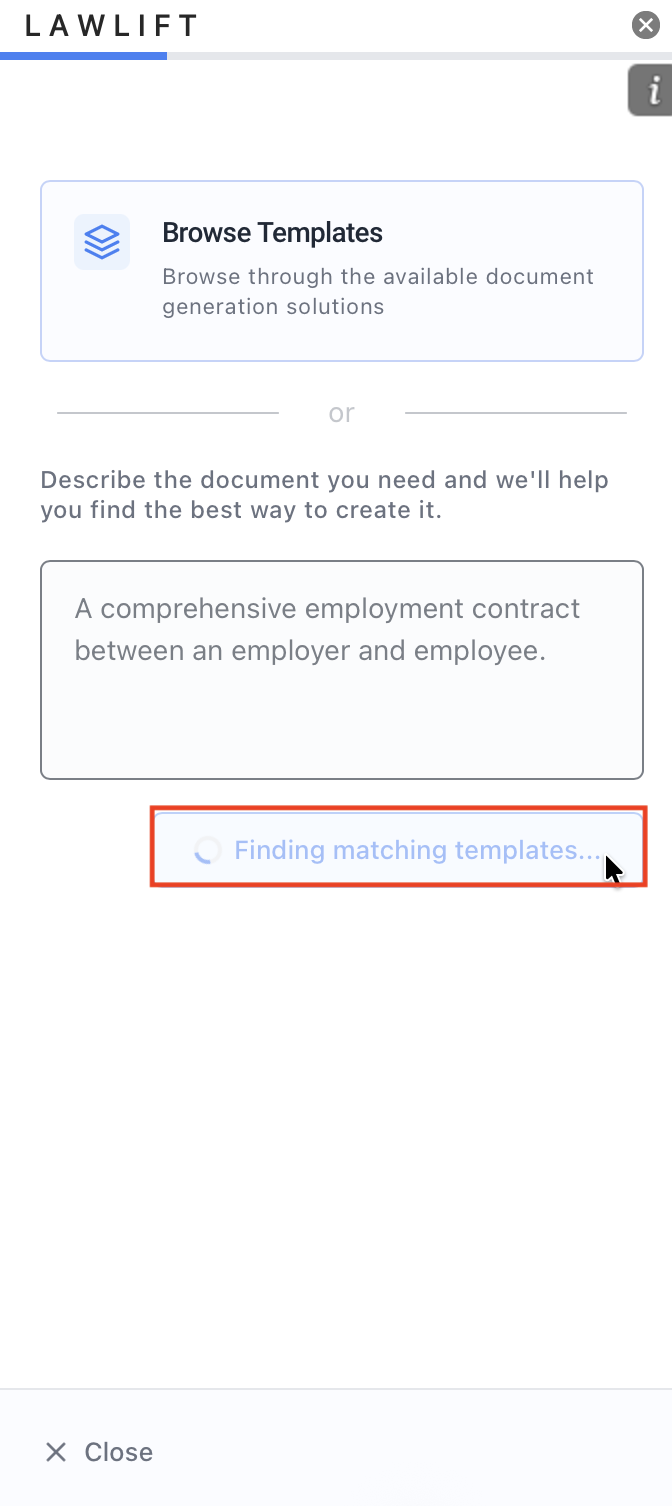
On the Describe Your Document step, refine your input if needed and click Get Recommendations. While “Finding matching templates…” is shown, the AI analyzes your description.
-
Pick the right one from the suggested templates and continue with Use this Template. Then fill in the questionnaire as usual (see Create a document from a template).
Good to know
- If no template fits, you can instead draft from scratch with AI.