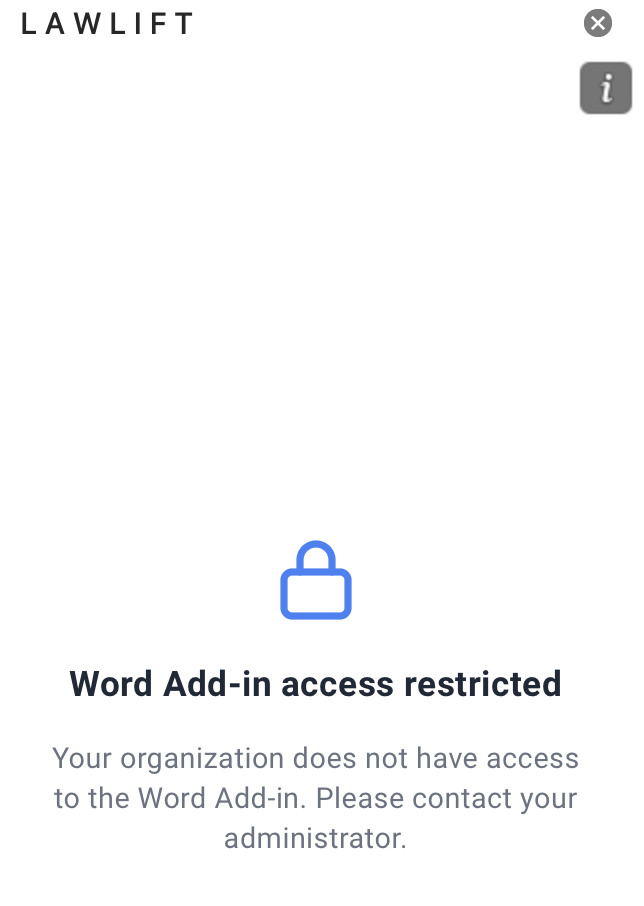
The message “Word Add-in access restricted” with the note “Your organization does not have access to the Word Add-in. Please contact your administrator.” appears when your account or organization is not (yet) enabled for the Add-in.
Step by step
-
Check that you are signed in with the right credentials. If SSO signed you in with the wrong Microsoft account, sign out and sign back in with the correct account (see Sign in & Single Sign-On).
-
If the message persists, your organization or user account is not licensed or entitled for the Word Add-in.
-
Contact your administrator and ask them to grant you (or your group) access to the Word Add-in.
Good to know
- For administrators: Access is controlled through your organization’s licensing and central deployment - see Roll out the Add-in centrally.
- After it is granted: Once access has been granted, close the task pane and reopen it so the entitlement takes effect.
- Note: Why access is missing in a specific case - a missing license, an unassigned group, or the wrong account - can only be confirmed by your administrator.