You can install the Lawlift Word Add-in two ways: from the Office Store (Get Add-ins) or by uploading the manifest file (sideload). Either way, the Add-in appears as Lawlift and opens its sign-in screen at app.lawlift.de/word-addin/login.
Step by step
-
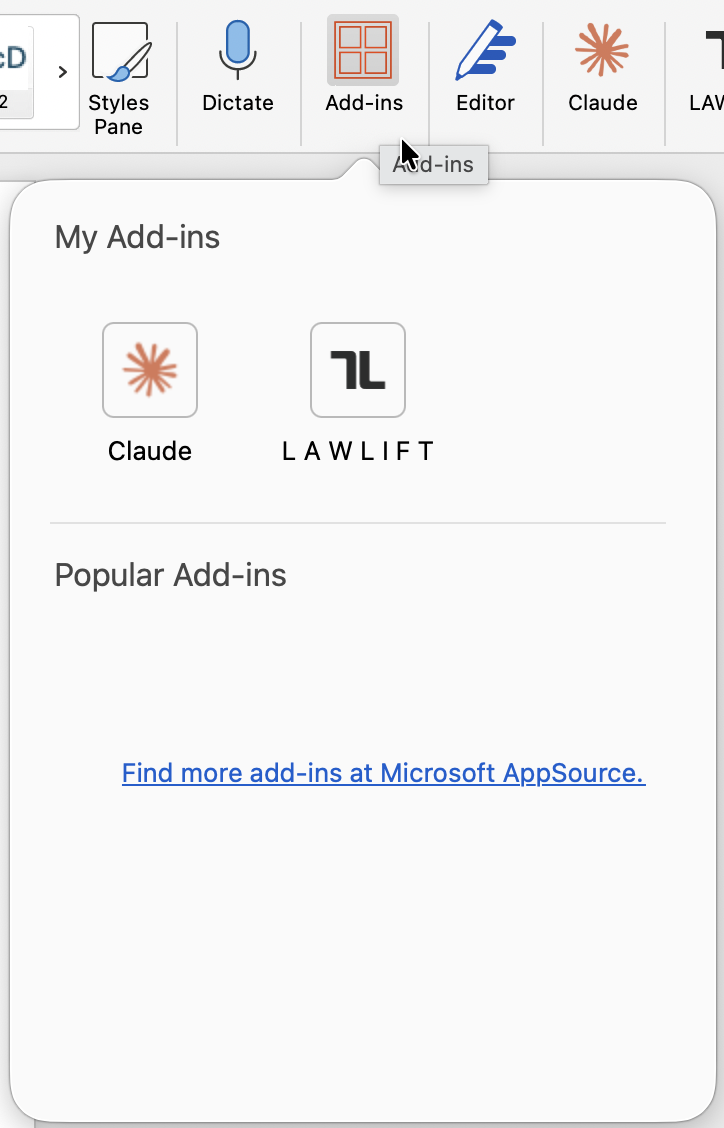
Open Word and go to the Home tab. Click Add-ins, then More Add-ins / Get Add-ins.
-
Either - from the Office Store: Search for Lawlift and click Add. The Add-in then appears as a button on the Home tab.
-
Or - via manifest (sideload): If your organization does not yet deploy the Add-in centrally, switch to My Add-ins in the Add-ins dialog and choose Upload My Add-in. Upload the manifest file (
.manifest.xml) provided by Lawlift. -
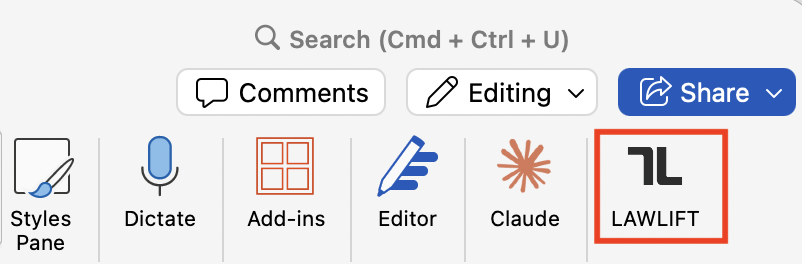
On the Home tab, click the Lawlift button to open the task pane.
Good to know
- Permission: The Add-in needs read/write access to the active document so it can insert and edit content.
- Central deployment: In organizations the Add-in is usually rolled out through the Microsoft 365 admin center - see Roll out the Add-in centrally (admin).
- For supported Word versions, see System requirements. Then continue with Sign in & Single Sign-On (SSO).